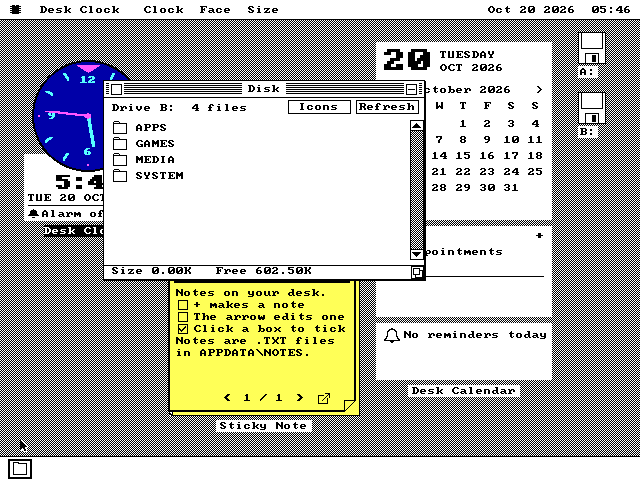
Small programs that sit on the desktop under every window, the way a calendar and a sticky note sit on a real desk.
Desk Calendar keeps appointments, tasks and reminders. Sticky Note shows notes that are plain text files you edit in Note Pad. Desk Clock has nine faces and an alarm. Leave one open and it is back in the same place after a restart.
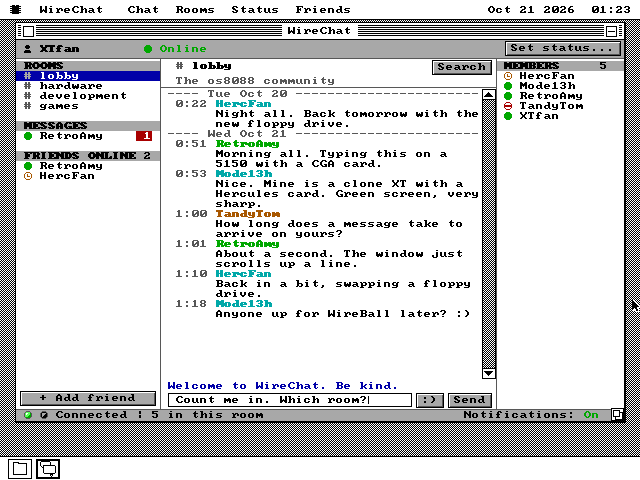
Four public rooms, private messages, @mentions and a list of who is online, reached from a 4.77 MHz PC with a network card.
It talks to a server on os8088.com in plain HTTP, one short request at a time, because encryption is out of reach of an 8088. The server holds each question open until there is something to say.
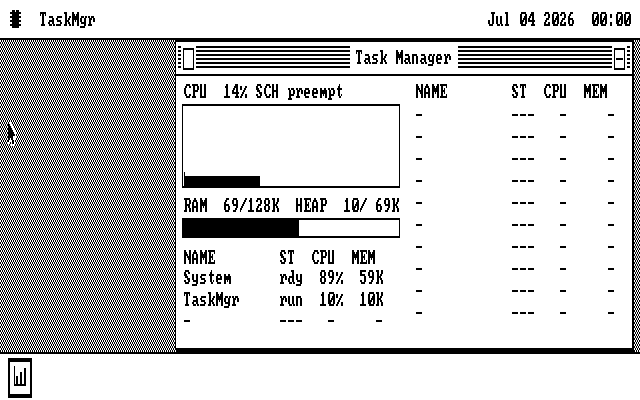
37KB of the kernel can run from a ROM in the IBM PC's five spare sockets, or from the memory just above 1MB on a 286 or later.
Programs get that memory back. On a 128KB IBM PC the free memory goes from 32KB to 69KB. A ROM is built for one exact kernel, and any other kernel ignores it and boots as if it were not there.
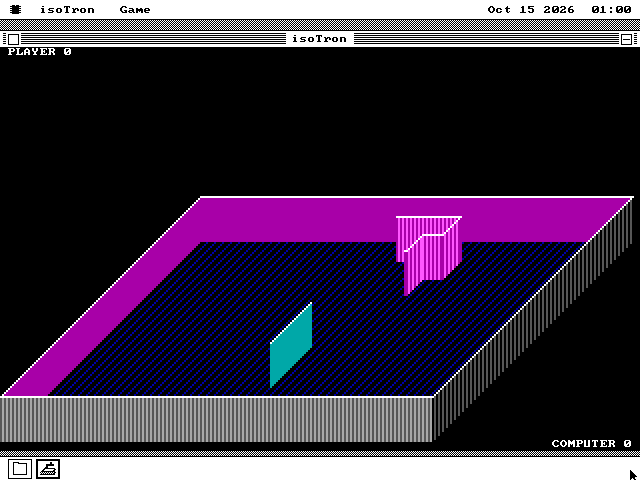
You and the computer on a raised slab, each leaving a wall the other cannot cross, after a 1982 IBM PC game.
Win two rounds in a row and the next arena is stacked one slab higher. It plays in a window or full screen in colour, and a step costs about half a millisecond on a 4.77 MHz PC.
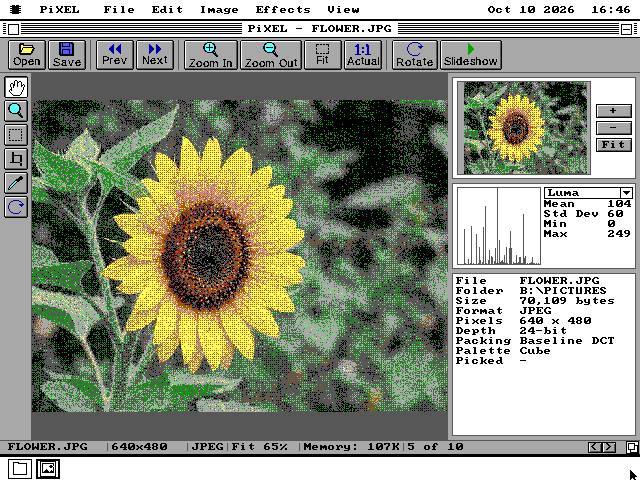
Opens JPEG, PNG, GIF and nine more formats on an IBM PC from 1981, and shows them on whatever screen it has.
It dithers each picture to the desktop's colours, goes full screen in up to 256 colours on a VGA, and can crop, turn, adjust and save. On a 4.77 MHz PC a 320 by 240 PNG opens in 15 seconds.
The 1986 sound plug that is eight resistors on a printer port, now an output for os8088's four players.
MIDIRack, Tracker, Audio and the Video Player play through it once it is picked on the Control Panel's Sound page. On a 4.77 MHz PC, MIDIRack holds 6,214 samples a second through it.
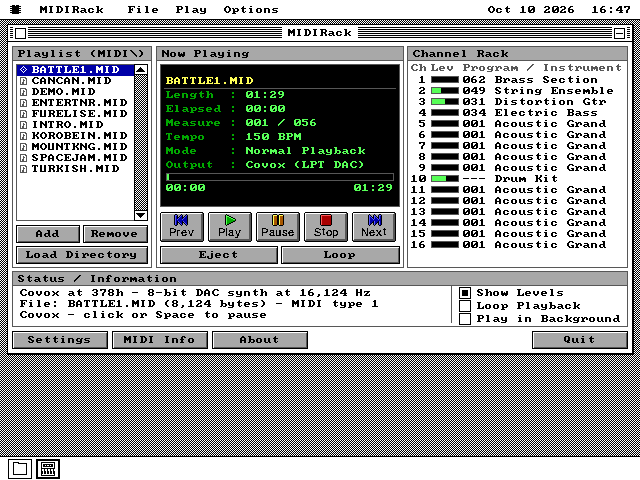
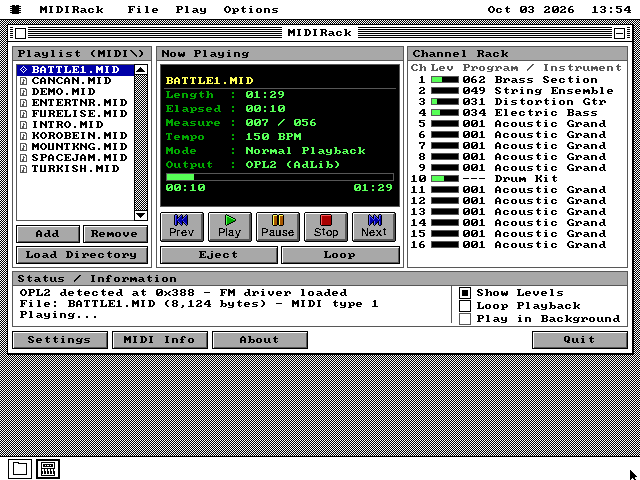
A MIDI music player that plays through an FM card, a Sound Blaster, an external sound module or the PC speaker.
It shows a level meter and the instrument for each of a song's sixteen channels, and comes with ten songs. On a 4.77 MHz PC with an AdLib card, the playing costs the computer almost nothing.
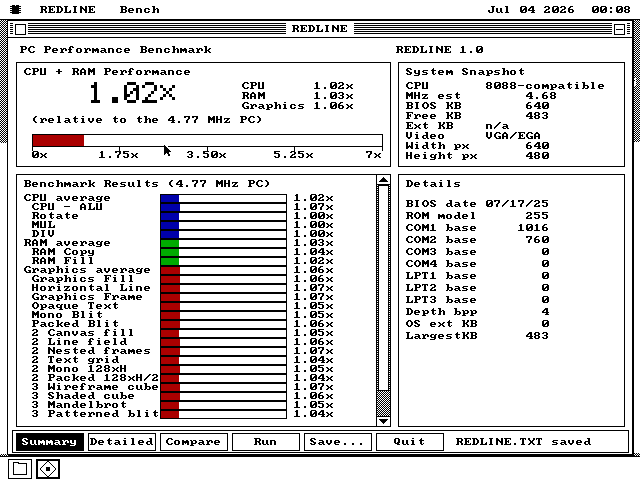
A CPU and graphics benchmark that scores every machine against the first IBM PC.
It times 25 fixed jobs, from arithmetic and memory copies to a Mandelbrot set and a shaded cube, and you can watch the drawing ones happen. The reference PC was measured on an emulator that keeps the 8088's timing cycle by cycle.
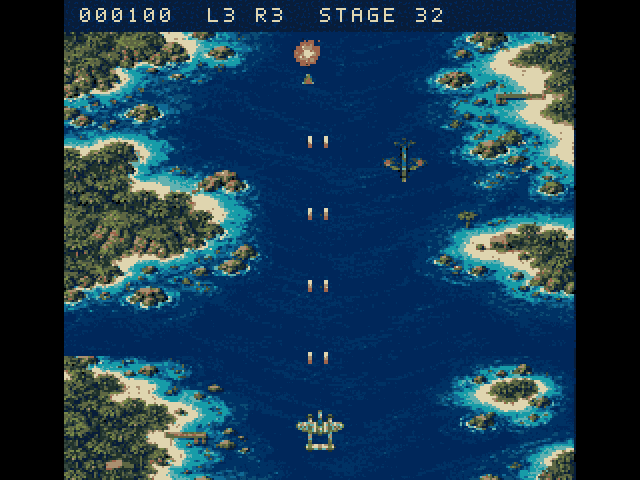
A scrolling air-combat game after the 1942 arcade game, in 8086 assembly.
Fly 32 stages up a sea of islands and shoot down the formations, alone or taking turns with a friend. The graphics card's own hardware scrolls the screen, so it plays on VGA or CGA at 4.77 MHz, with music on an AdLib or Sound Blaster.
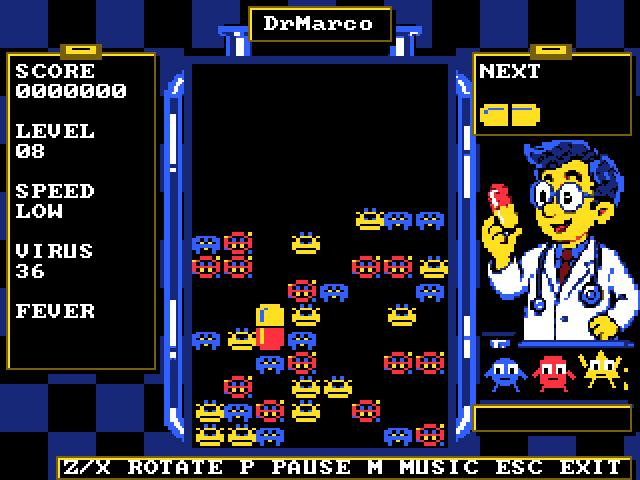
A falling-capsule puzzle after Nintendo's Dr. Mario, in 8086 assembly.
Two-coloured capsules fall into a bottle of viruses; line up four of a colour to clear them. It plays full screen on VGA or CGA at 4.77 MHz, with music on an AdLib or Sound Blaster.
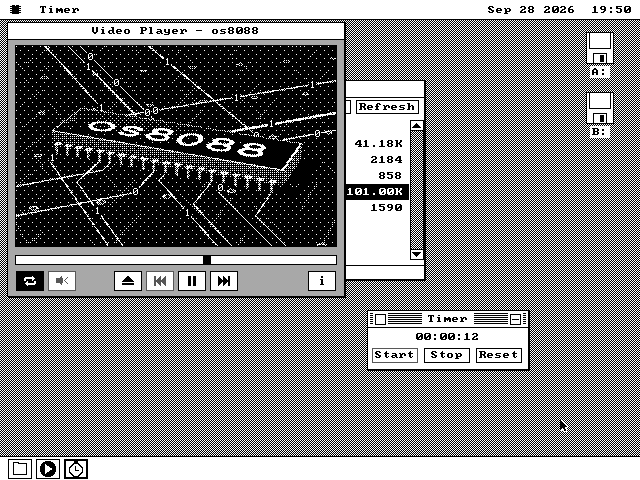
Video with sound on the IBM PC of 1981, off a floppy or a hard disk.
Videos are prepared on a modern computer into a list of the bytes that change each frame, so the PC only copies them into place. It plays in a window, full screen, or on the desktop while other programs run, on CGA, Hercules and VGA.
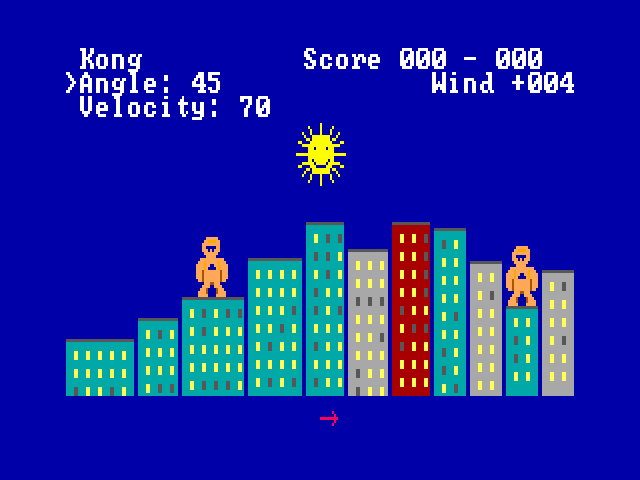
The banana-throwing game that came with QBasic, rewritten in 8086 assembly.
Two gorillas on a random city skyline throw exploding bananas, allowing for gravity and the wind. Play a friend at the same keyboard or the computer, in a window or full screen, on VGA, CGA or Hercules.
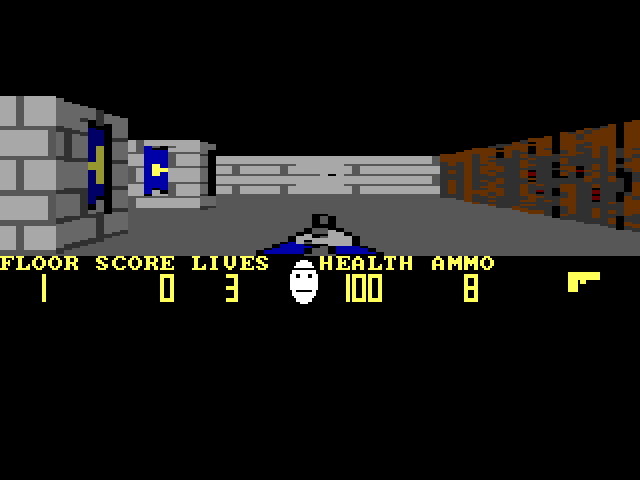
A first-person shooter in the style of Wolfenstein 3D, written in 8086 assembly.
Eight floors of a stone castle, with doors, keys, guards and dogs. It plays in a window or full screen, in 256-colour Mode X on VGA, four colours on CGA, or black and white on Hercules.
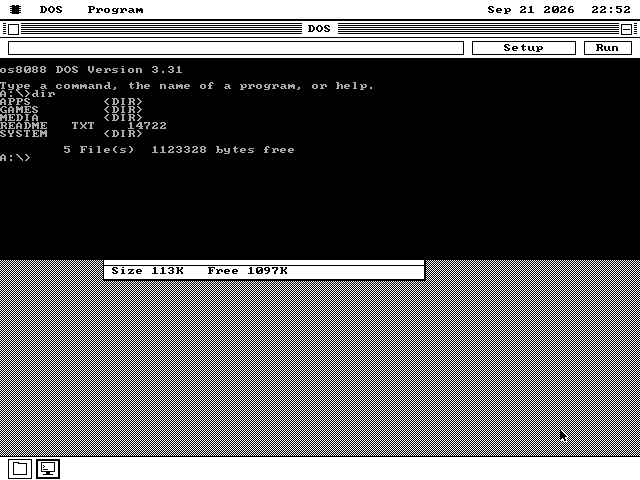
A program that answers the calls a DOS program makes, so DOS software runs on a system that is not DOS.
A .COM or .EXE on any floppy runs from a double-click. It can run in a window with os8088 still loaded, or take the whole machine and 149 KB more memory with it. Twelve of fifteen real DOS programs tested on a 4.77 MHz 8088 run.
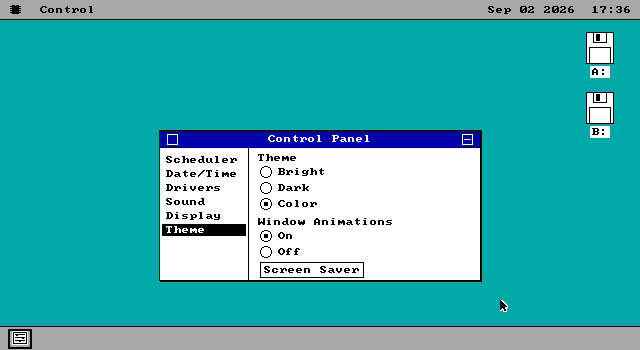
Put the dock on the left or right edge, or hide it to a single line.
A new page in the Control Panel moves the strip of program tiles. On a CGA screen, where the dock used to take 24 of 200 rows, hiding it lets a zoomed file window list six files instead of four.
Guide Smiles through three mazes, eat the dots, and turn out of sight to escape four ghosts.
Written from scratch for os8088. The ghosts patrol until they see you down a straight row or column. The board is 28 by 31 tiles on every display, and the tiles grow to fill the screen it is given.
Take off from Paris-Issy with the Eiffel Tower on the horizon, fly, and land -- on a machine from 1981.
Nine airfields, five aeroplanes, and ground and buildings drawn solid rather than as outlines. A filled shape costs its height instead of its area, because it is drawn by walking its two edges down the screen and filling the row between them. On a 4.77 MHz IBM PC/XT that is between 5.8 and 6.5 frames a second.
Applesoft BASIC at its prompt, the real Apple ROMs underneath, and a status line that says how slowly it is going.
A 48K Apple II Plus: the 6502, all four screen modes, the keyboard and the one-bit speaker, with Applesoft and the character shapes carried inside the program file. On a 4.77 MHz XT the emulated Apple runs at 0.54 per cent of a real one, and the status line prints that figure every second rather than leaving anyone to guess.
Sixteen colours, the block characters bulletin-board art is made of, and eighty columns by twenty-five rows.
The terminal used to print what arrived and throw the escape codes away. It now acts on them, gives the whole screen to the board when you press Ctrl+], and downloads files: the board starts a Zmodem transfer, the terminal reads the name off the wire and asks which disk to put it on.
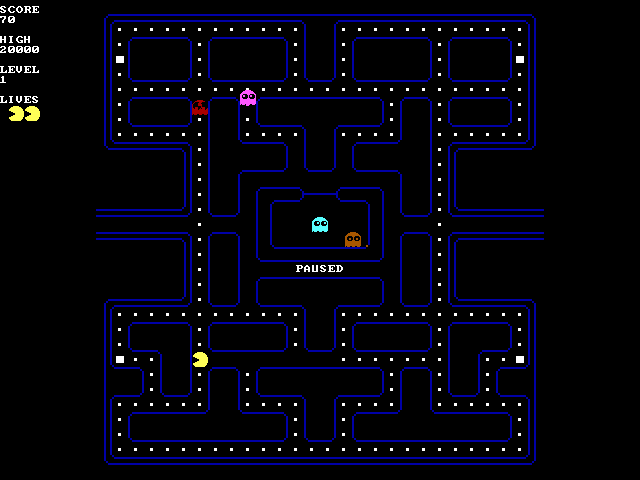
A second Pac-Man that shares nothing with the first: the Namco maze, the four real ghosts, and the arcade's own timings.
The tall 28 by 36 arcade field, the board's own tile and colour tables, the ghost personalities and the attract screen that introduces them one at a time. It was meant to be the faster Pac-Man on an old machine and measured out slower: 2.18 frames a second against the hand-written assembly one's 4.14 on a 4.77 MHz XT. That assembly port has since been retired, so this is the Pac-Man that ships.
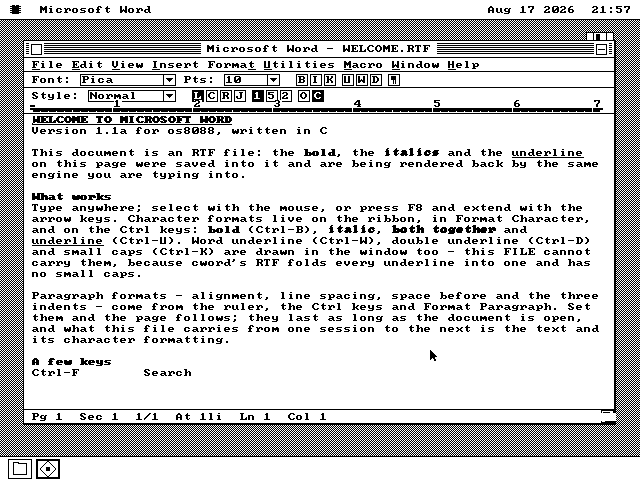
The Word work-alike, forked into a program of its own so that one thing could be added: a picture in a document.
It reads BMP, PCX and PIX files, decodes all three into one sixteen-colour form and puts the picture in the text. A plain save writes RTF, where the picture travels inside the document at the depth it arrived at; saving as a Word .DOC converts it down to one bit, because that is what a 1985 Word file holds.
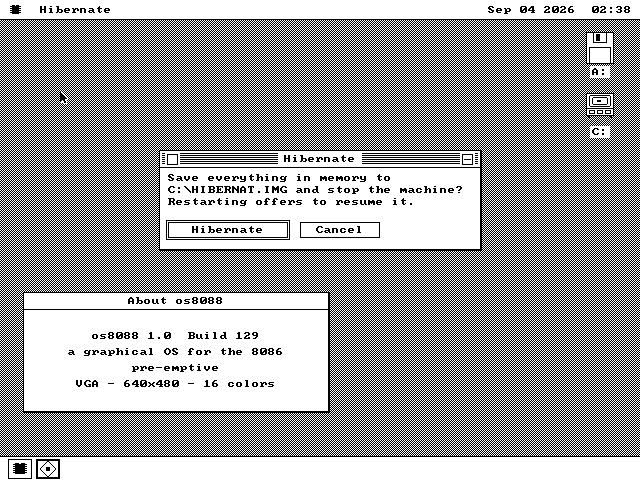
Every byte of memory written to the hard disk, so the next start puts
the same windows and the same running programs back.
Pick Hibernate and os8088 copies its whole memory to a file, then stops with a line
saying it is safe to switch the power off. Start it again and it offers to put you back
where you were, down to what was on the clipboard. What stays in the machine while you are
not using it is 259 bytes.
Markup, script and formulas, compiled into one file by an editor
running on the 8088 itself.
Describe the window in markup, write the code that runs when a button is pressed, and put
formulas in the cells. Loom turns those files into a program you double-click to run -- and
produces the identical bytes the compiler on a modern computer would. Three examples come
with it, including a game of Pong with a computer opponent.
Four worksheets, 25 functions, decimals worked out in software, and
seven kinds of chart.
Sheet is a workbook with formulas, formats, sorting and a macro language, built to look
and behave like Microsoft Excel 2.1. It reads and writes the spreadsheet formats of the
period, so a file goes to a modern Excel and back. Chart draws the numbers and saves the
picture.
About a hundred lines a frame, on three graphics cards, without ever
clearing the screen.
Drive across a plain, dodge cubes and pyramids, and shoot enemy tanks that turn toward
you and shoot back. Clearing the screen would cost a whole frame on an 8088, so each frame
erases only the rows the last one drew into. Forty measured frames contained no uneven
frame.
os8088 mistook every EGA for a VGA and drew a screen a third taller
than the monitor could show.
An EGA is IBM's 1984 card, between CGA and VGA. The bottom 130 lines of the desktop, part
of the dock included, were off the tube. os8088 now recognises an EGA and drives it at 640
by 350 in sixteen colours. Reported by someone running it on a real IBM 5160.
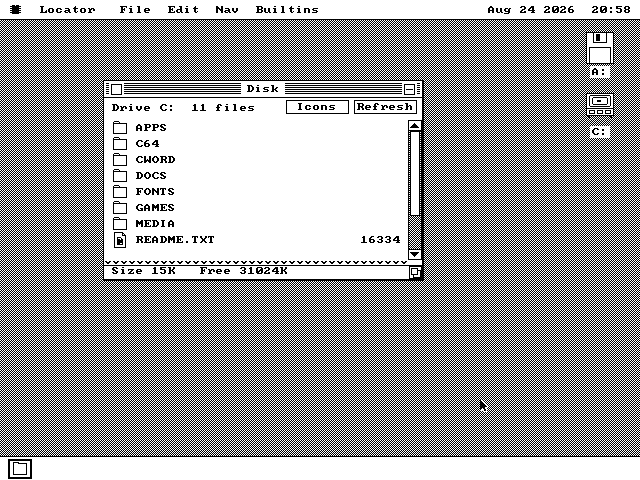
One 32MB drive C with every program on it, and nothing to install.
os8088 has always shipped as floppy disk images, and hardly anything still has a floppy
drive. Write one new file to a USB stick, or burn the other to a CD, and a real PC starts
straight into the desktop -- both word processors, the story reader, the CP/M emulator, the
Commodore 64 and every game already on drive C, with about 30MB free to save into.
Drop a file onto the machine from a laptop, while it is running.
Every earlier network program reached out -- a web browser, a Telnet client. This one
answers. Another computer on the same network connects, asks the questions, and gets its
answers off this machine's own floppies. On a real IBM 5150 the transfer rate went from 7 KB
a second to 30 KB a second over one working session.
Commodore BASIC and VIC-II graphics -- with a 386 or faster required.
VICE 3.10 supplies the model of the 6510 processor, screen chip and both timer chips.
os8088 puts them behind Commodore's own ROMs in a window. An XT or 286 can start the emulator,
but neither runs it at a useful speed. The port was developed with assistance from Claude
Code and Codex by OpenAI.
os8088 now fetches real web pages and lays them out as text and tables, over an
Ethernet card or a parallel cable to a DOS machine standing next to it. The network is not
the slow part: drawing a window full of text takes longer than fetching the page.
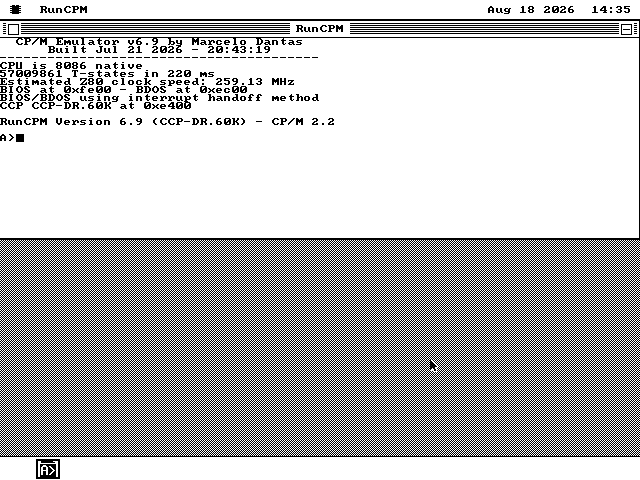
CP/M was the operating system small computers ran before the IBM PC existed, on a processor
the PC does not have. os8088 now emulates that processor, so CP/M software runs here: the 1979
command processor at the prompt, Microsoft BASIC, an assembler and an editor, in a window you
can drag around like any other.
Everything in os8088 up to now was written in assembly language, one processor instruction
at a time. There is now a C compiler for it, which is a far quicker way to write a program. To
find out whether it could carry something real, I wrote a second word processor with it -- and
it turned out too big for the memory a program gets, so it comes in two pieces.
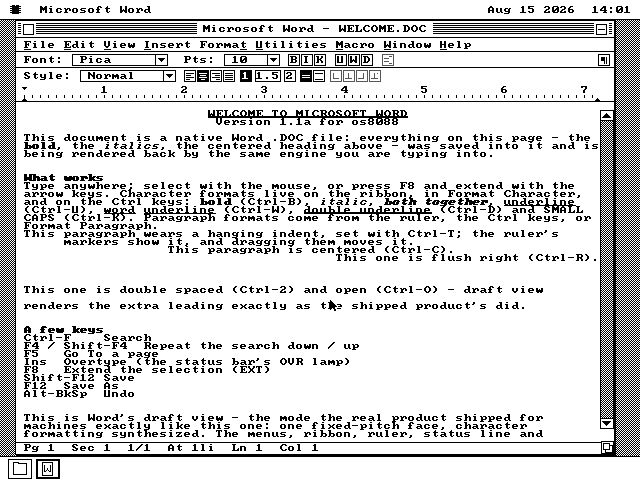
I have added something I have wanted to see for a while: my own os8088 version of
Microsoft Word 1.1a. It has the familiar 1990 menus, uses the same clever tricks to show
bold and italics on a plain old PC screen, and saves Word .DOC files. The whole program fits
in 47KB.
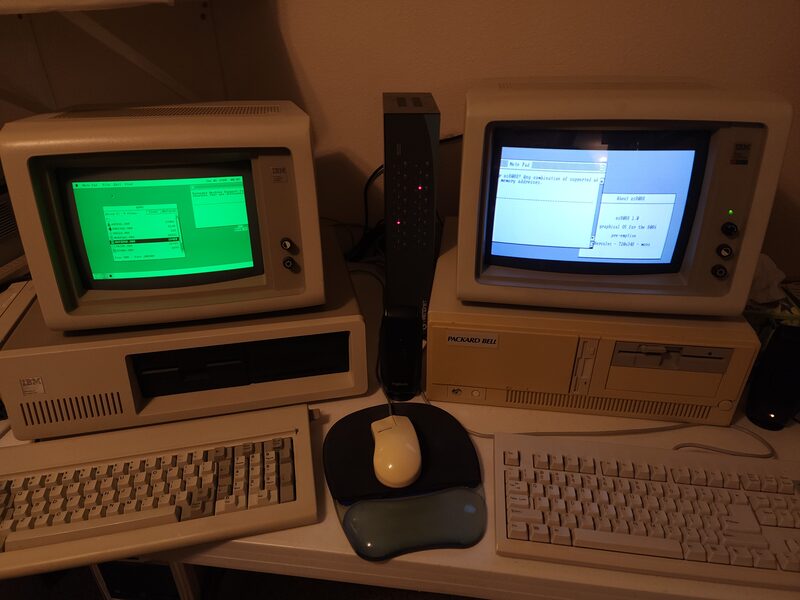
A PC of this era could hold a monochrome card and a colour card at once, because their
picture memory sat at different addresses. Almost nothing used both together. os8088 now
spans one desktop across the pair -- 1,360 pixels wide, on a 4.77 MHz machine -- and a
window that lands over the join is drawn on both screens.
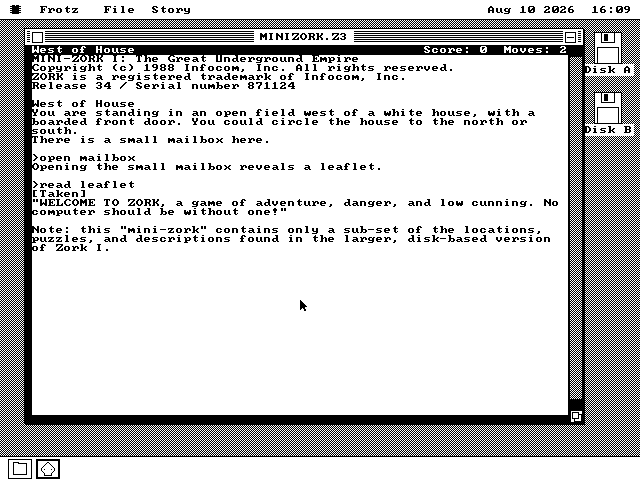
A Z-machine interpreter in 23,722 bytes of 8086 assembly. The Z-machine is the pretend
computer Infocom invented in 1979 so one game could be sold for every machine at once --
which is why a story file from 1982 is still a plain file that still runs. Mini-Zork,
Colossal Cave Adventure, Zork: The Undiscovered Underground and Photopia all play, off a
floppy of their own.

![An os8088 window titled Apple II Plus Emulator showing APPLE ][ and a flashing cursor at the Applesoft prompt, with a status strip along the bottom.](/img/apple2/apple2-ready.png)