Windows 3.0
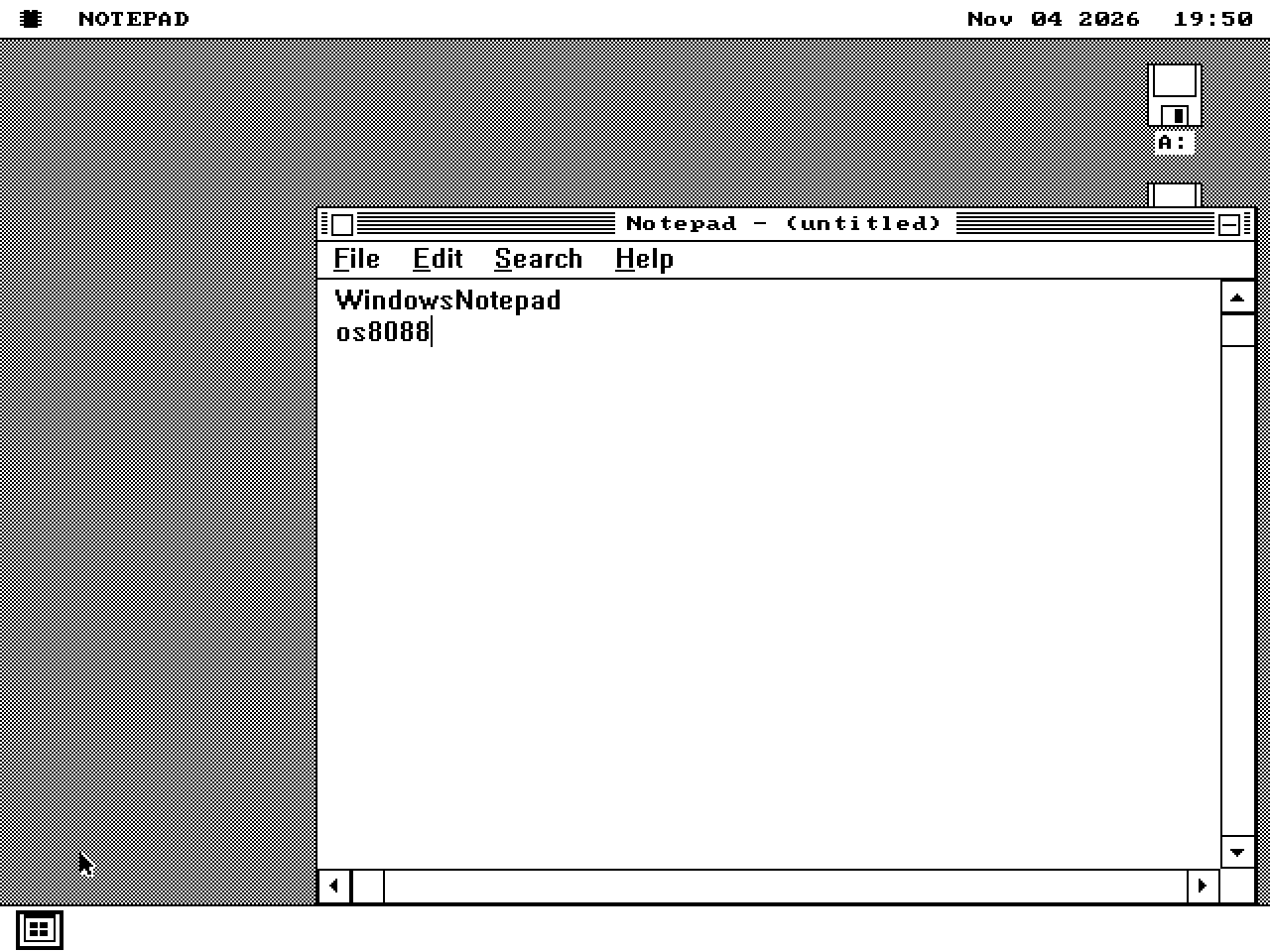
Notepad
NOTEPAD.EXE
Text editing, selection, scrolling, Word Wrap and save. The tested Windows 3.1 executable also exercises the common file dialog.
Spotlight › Windows applications
Original Windows executables exercised through WIN16, with per-application test scope.
Entries distinguish tested functions from loader-only captures. Protected-mode and multimedia previews use the 286+ kernel; they are not standard-kernel compatibility results. Since release 1.0.20261109 that kernel and its own WIN16 disk are in the release zip, in the 1440K/286-PLUS and 1200K/286-PLUS folders.
01 / Writing and drawing
Windows 3.0
NOTEPAD.EXE
Text editing, selection, scrolling, Word Wrap and save. The tested Windows 3.1 executable also exercises the common file dialog.
Windows 3.0
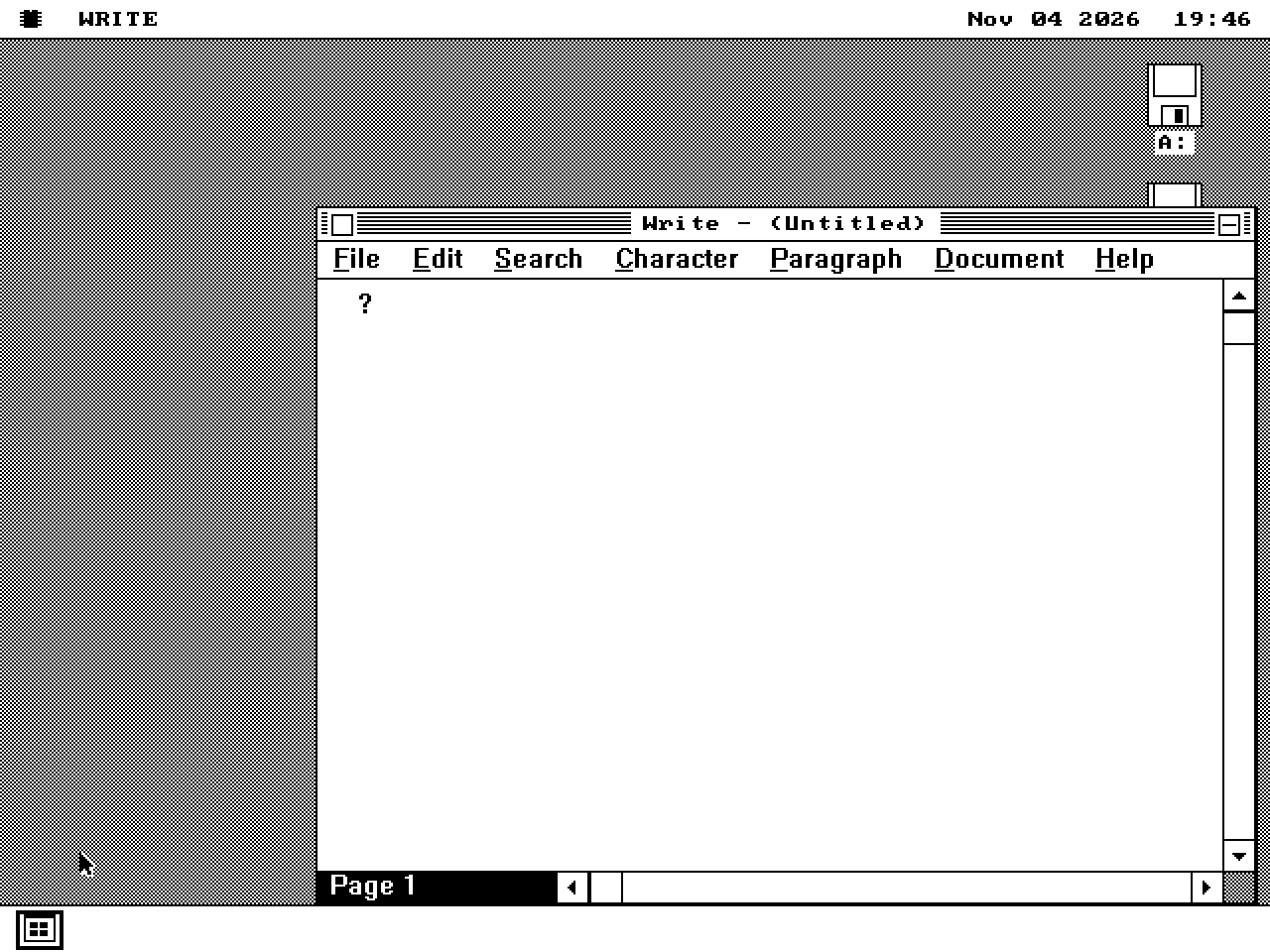
WRITE.EXE
Document entry, paragraph/character formatting and save through WIN16. Richer document structures are not established by this capture.
Windows 3.0
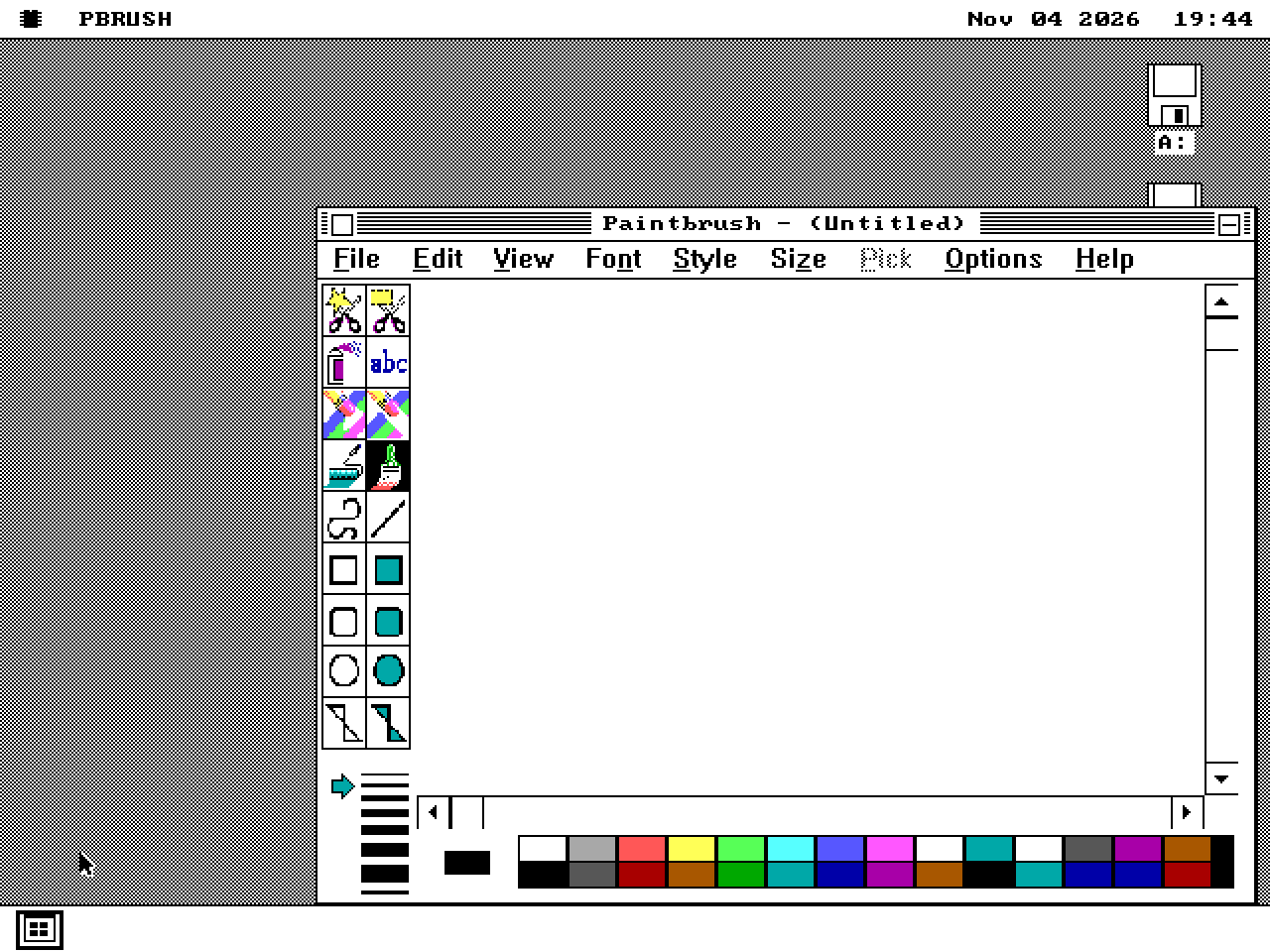
PBRUSH.EXE + PBRUSH.DLL
Brush/shape tools, colour selection, fills and BMP save exercised. Keep PBRUSH.DLL beside the executable.
Windows 3.0
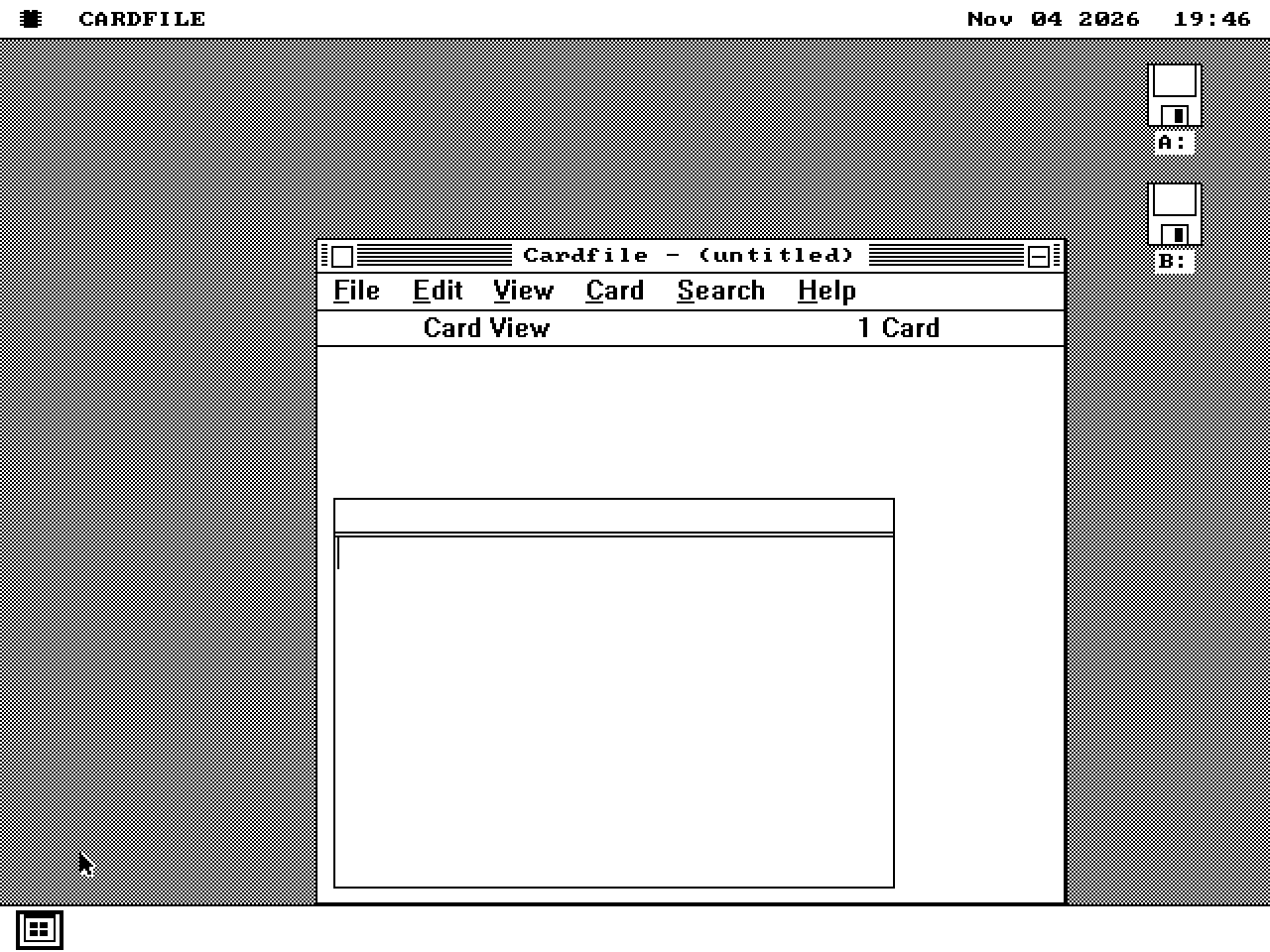
CARDFILE.EXE
Card/list views, wrapped text, entry creation and save exercised.
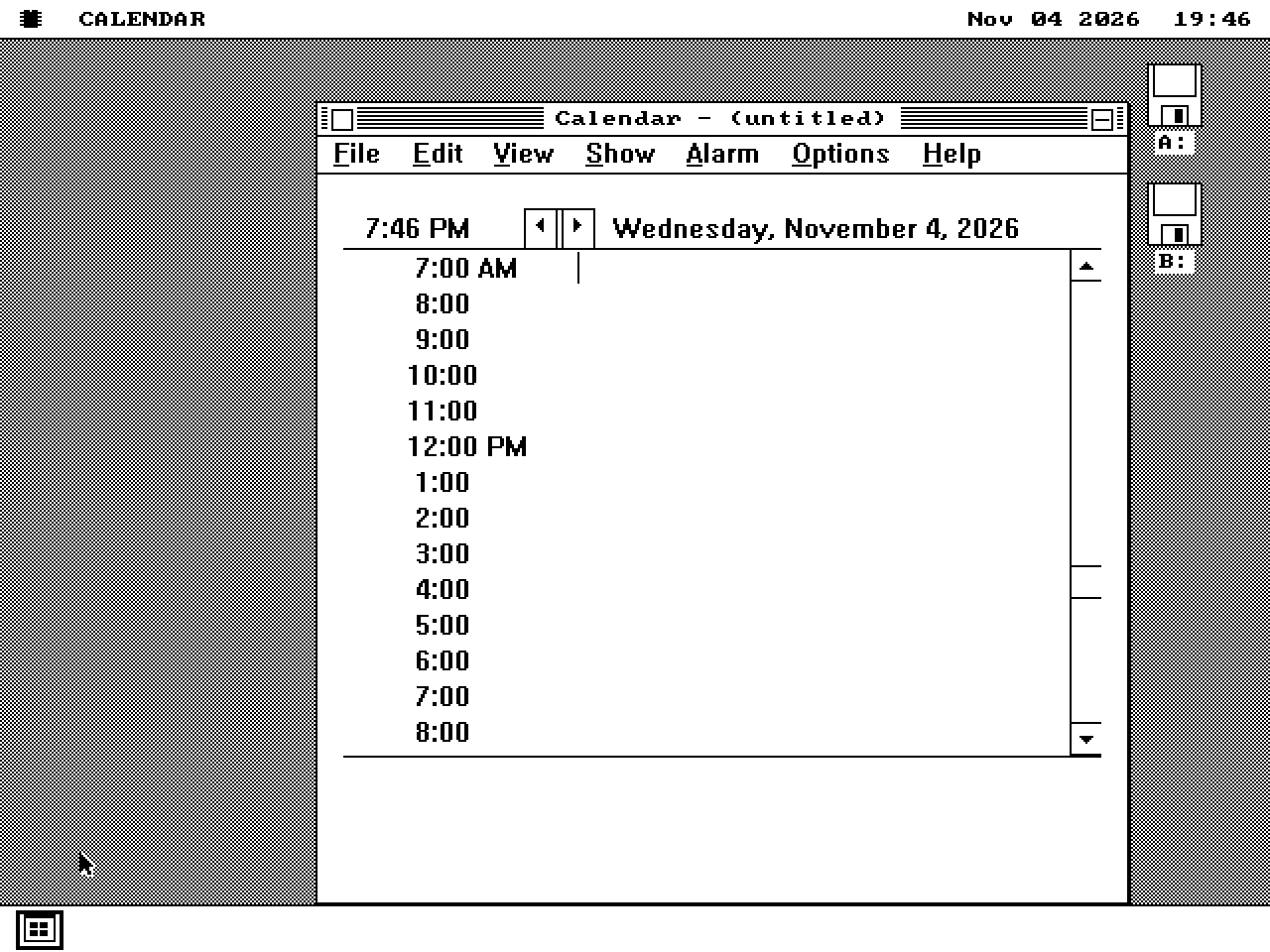
Windows 3.0
CALENDAR.EXE
Day navigation, appointments and wrapped notes exercised; entries persist across day changes.
02 / Everyday utilities
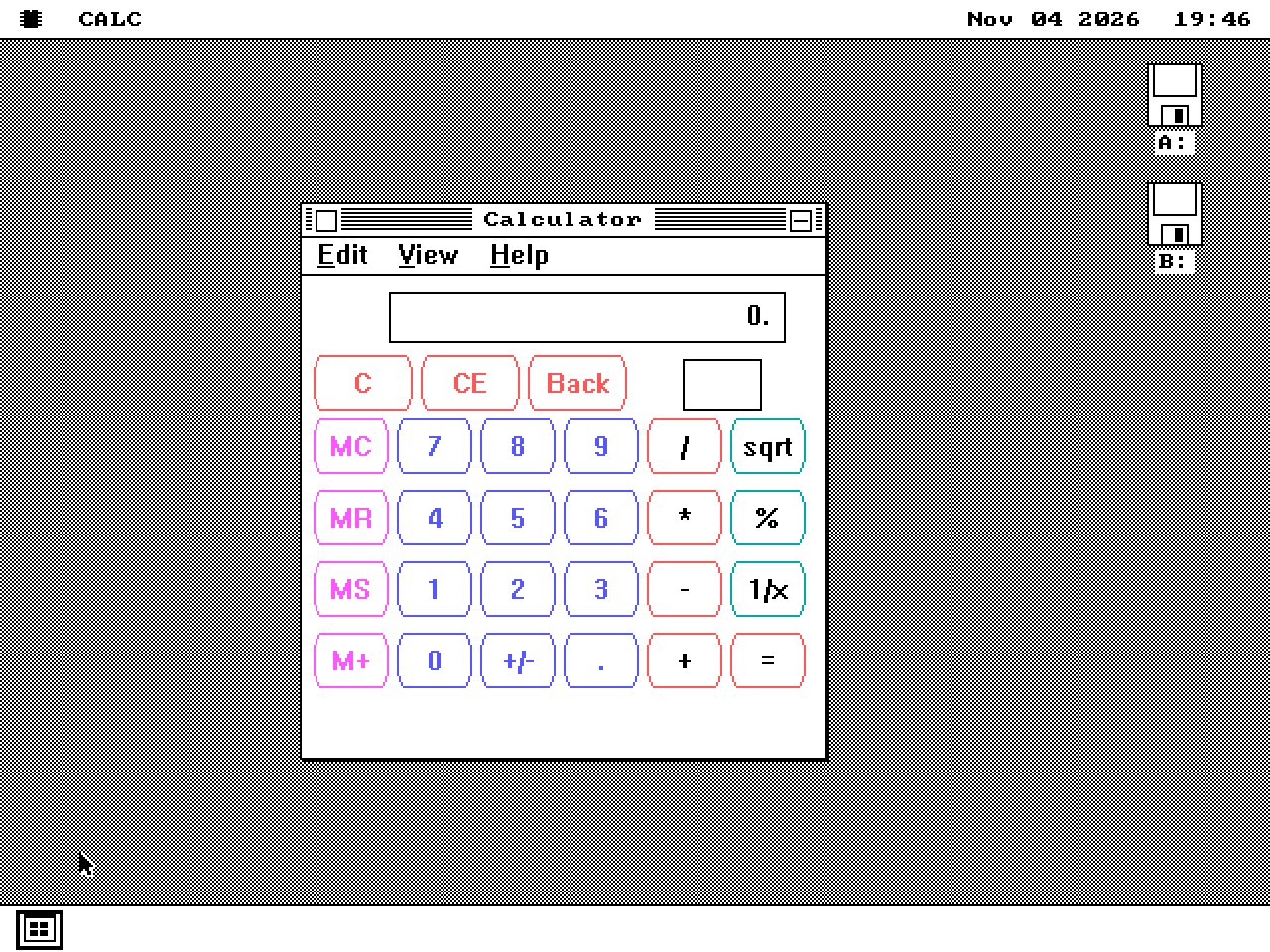
Windows 3.0
CALC.EXE
Standard/Scientific views and the software floating-point path exercised for the listed Windows 3.0/3.1 versions.
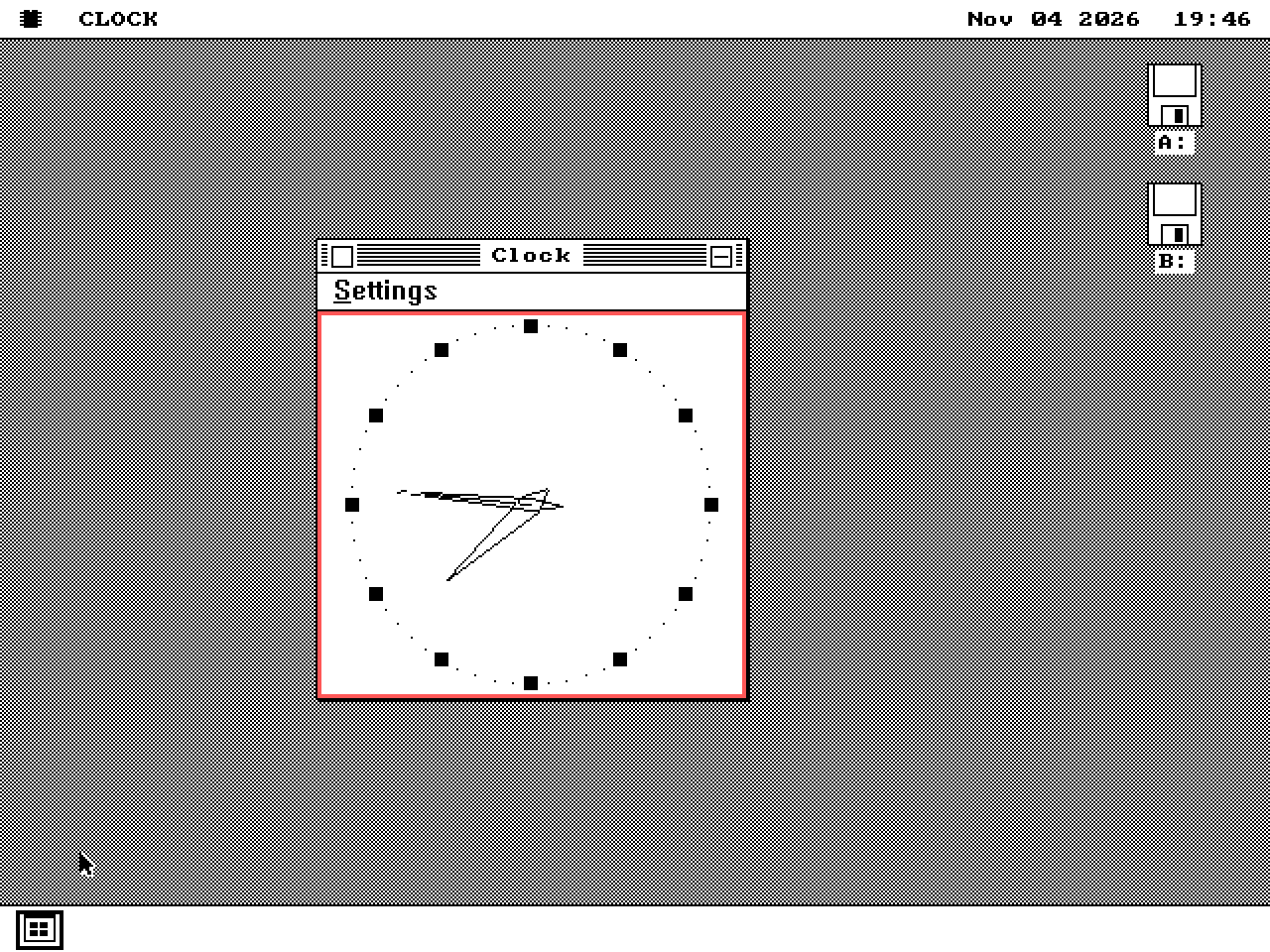
Windows 3.0
CLOCK.EXE
Analogue/digital views, timer delivery and the font chooser exercised.
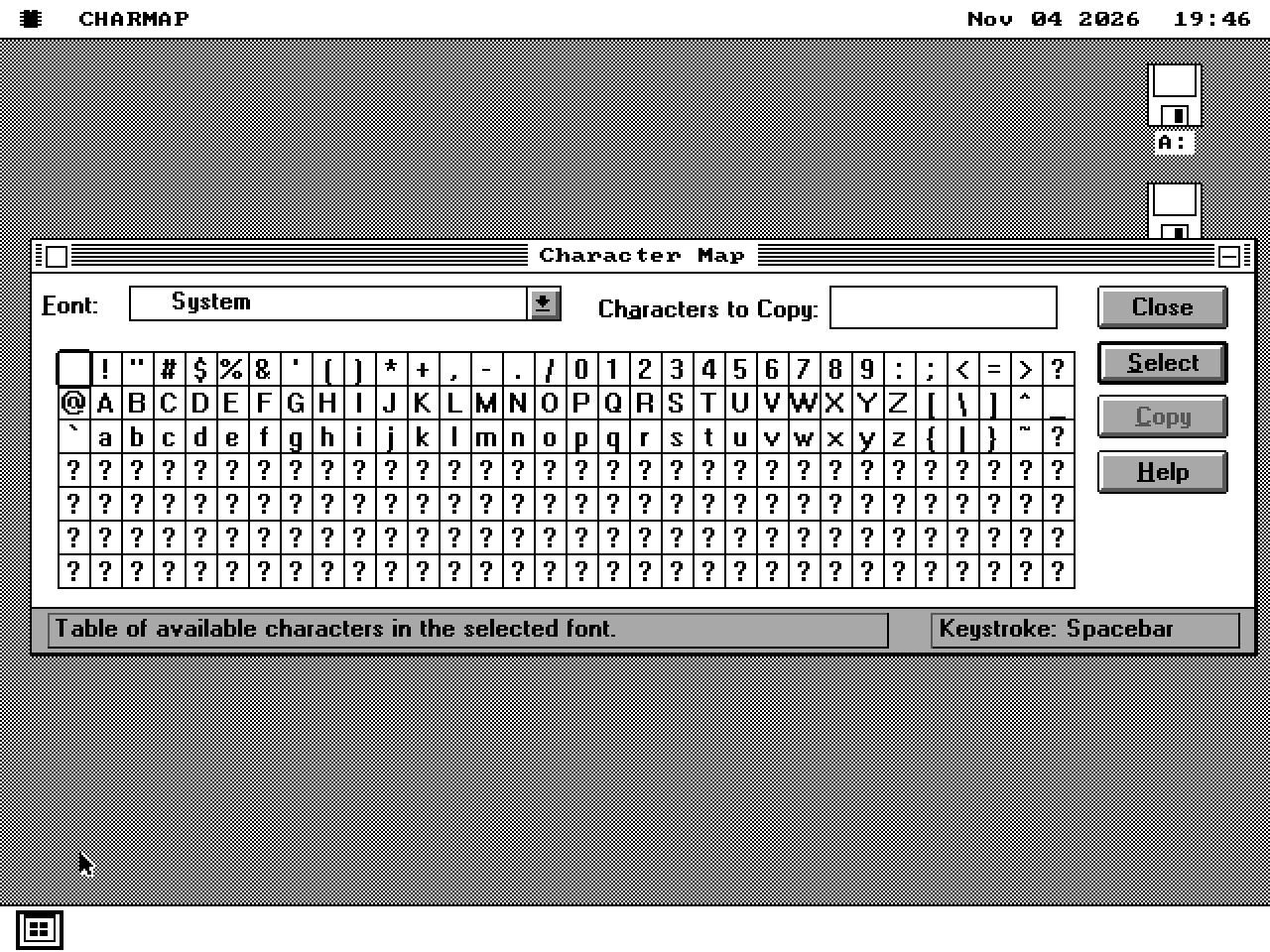
Windows 3.1
CHARMAP.EXE
Character grid and font selection exercised. Dialog geometry follows the adapter font.
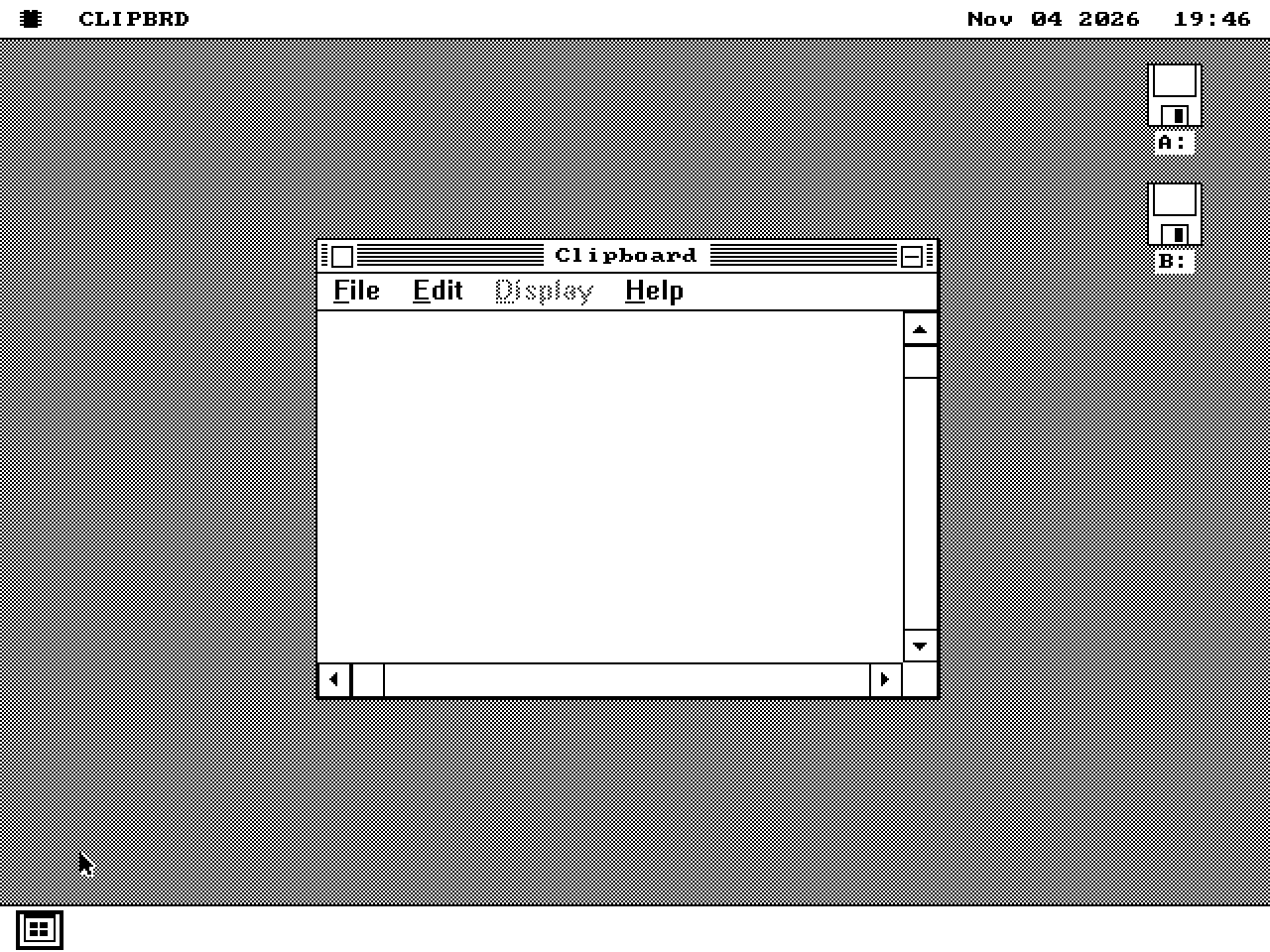
Windows 3.0
CLIPBRD.EXE
Cross-application text display and Delete exercised. Bitmap/metafile clipboard formats are absent.
03 / Games
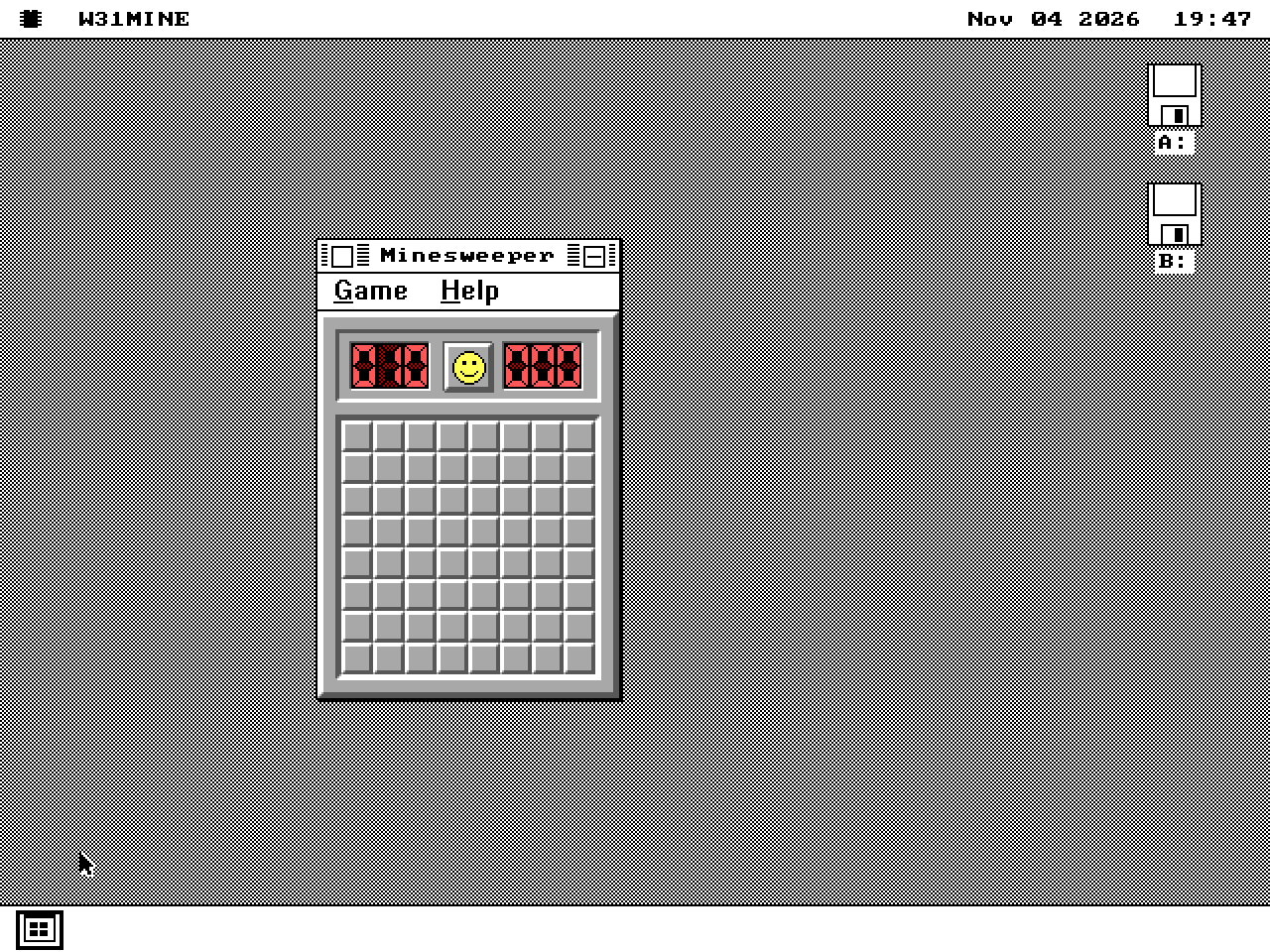
Windows 3.1
WINMINE.EXE
Board interaction, timer, counters, menus and speaker effects exercised. The tested Windows 3.1 executable requires V20/80186-or-later instructions; see WIN16's CPU results.
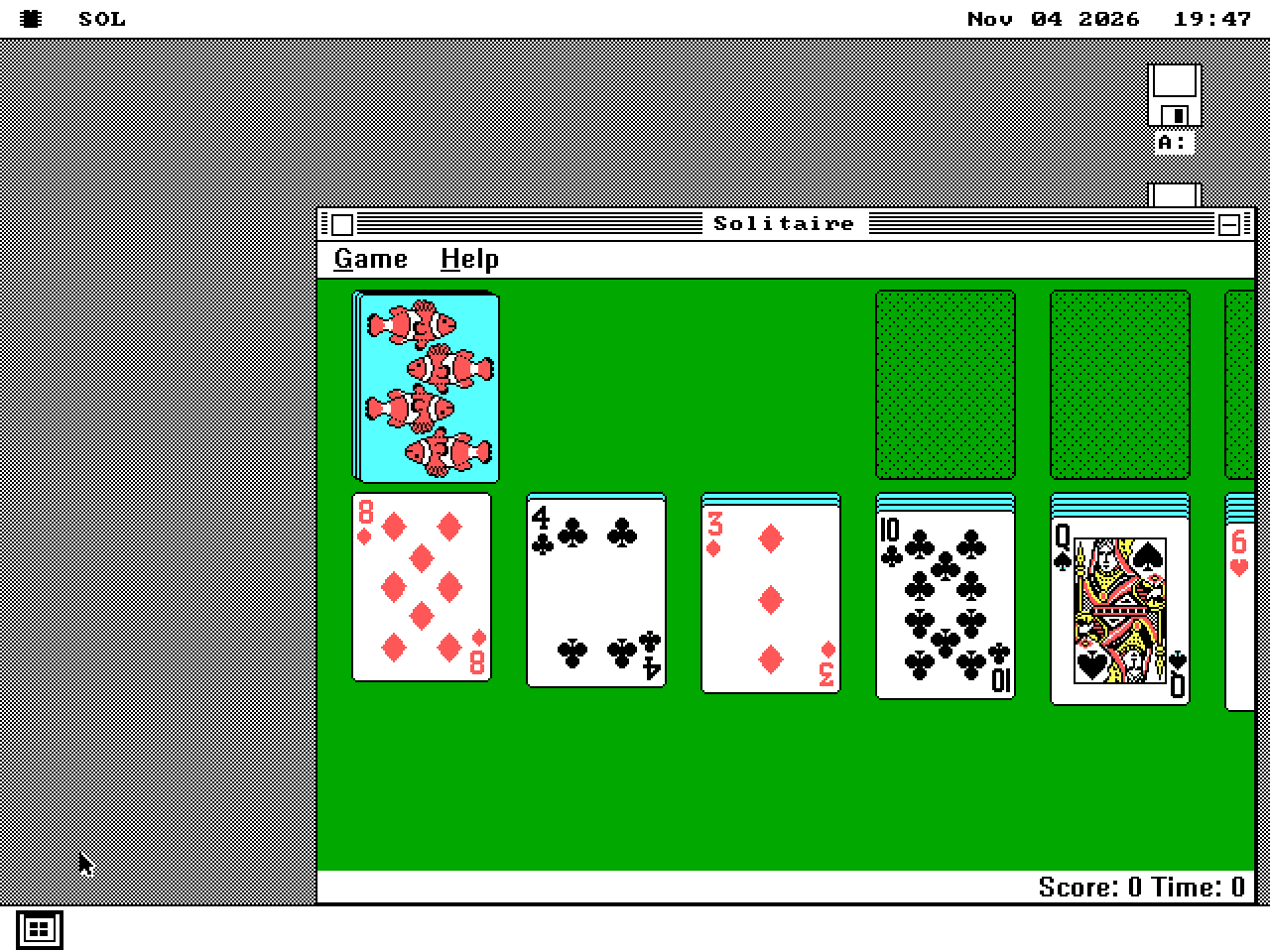
Windows 3.0
SOL.EXE
Dealing and card interaction exercised for the listed Windows 3.0/3.1 versions. A captured game is not exhaustive rules validation.
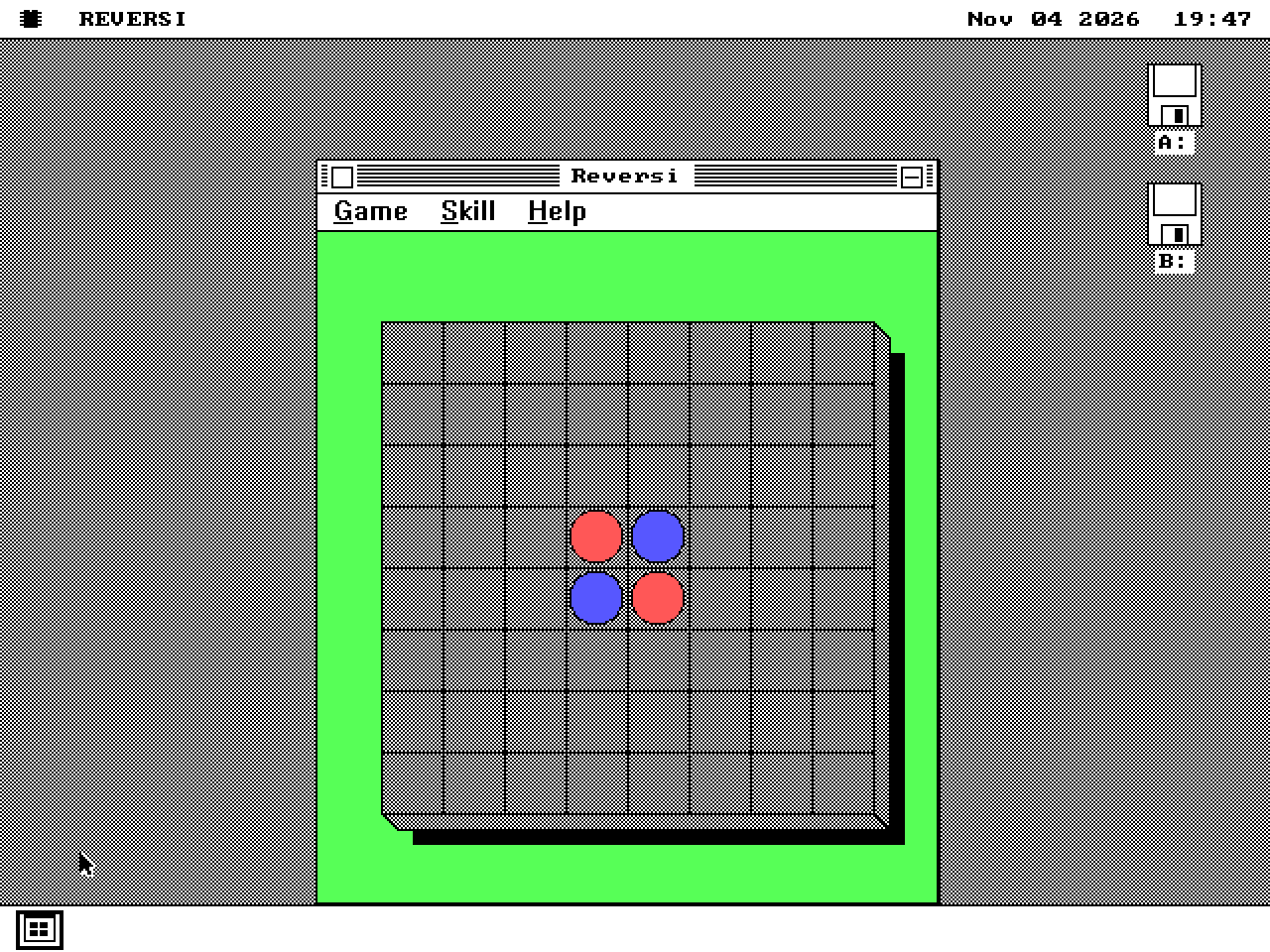
Windows 3.0
REVERSI.EXE
Human/computer moves, menus and board repaint exercised on the 8088 path.
04 / Desktop and system tools
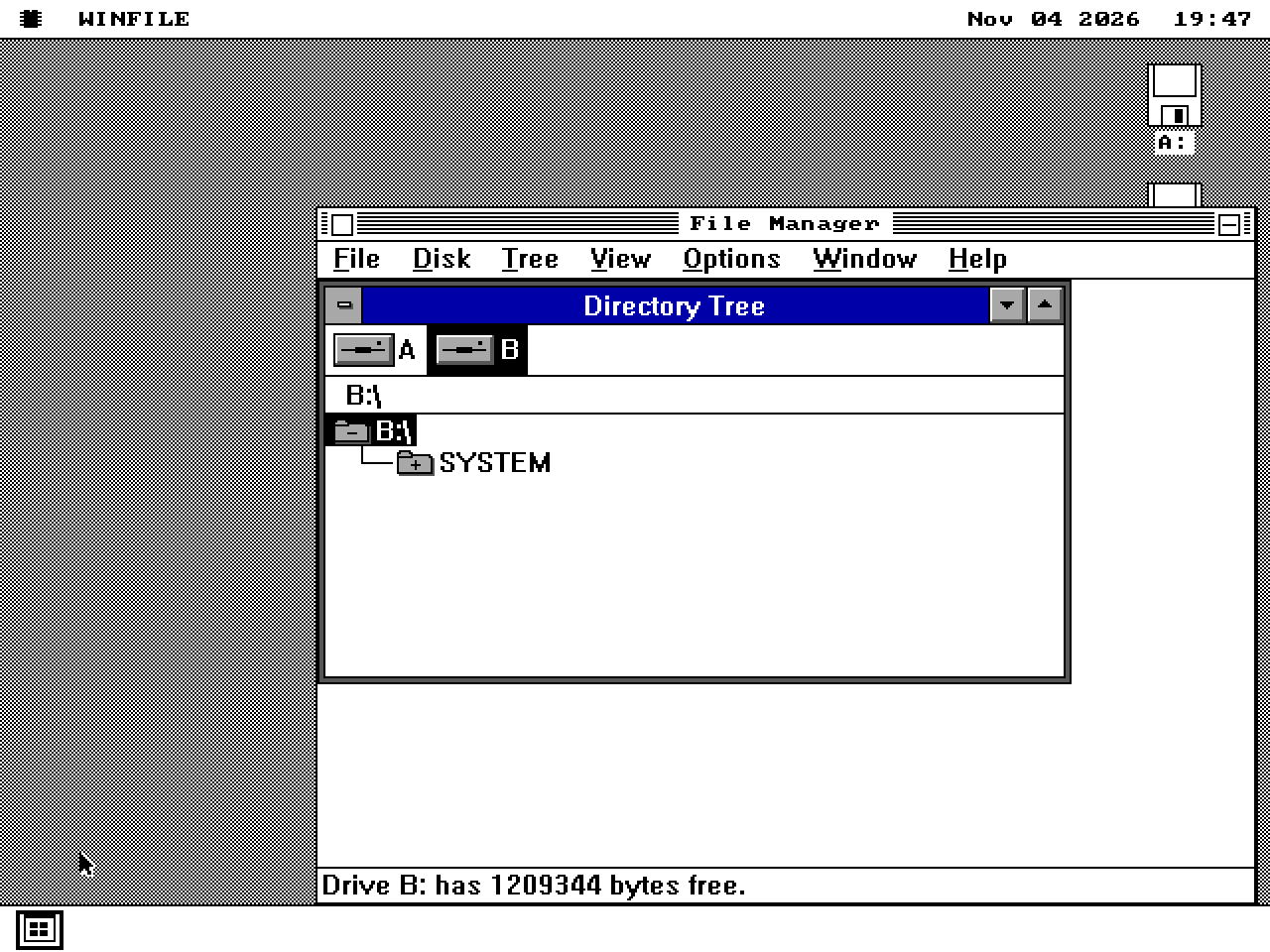
Windows 3.0
WINFILE.EXE
Drive child window and directory tree exercised through the MDI compatibility path.
On the 286+ kernel, a registered test also opens it, chooses Window > Tile and Window > Cascade, and checks that it keeps running.
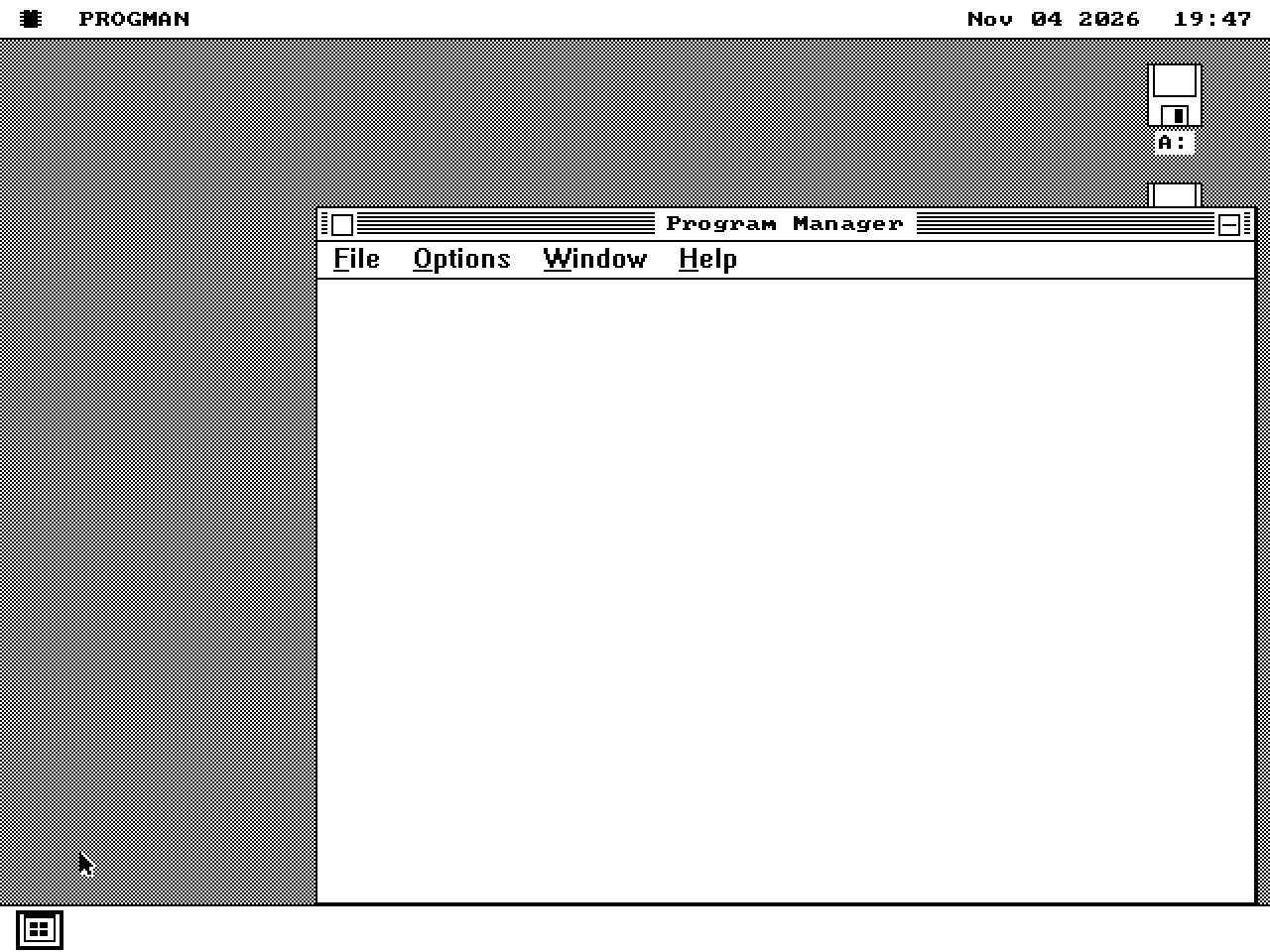
Windows 3.0
PROGMAN.EXE
Groups, icons and application launch exercised.
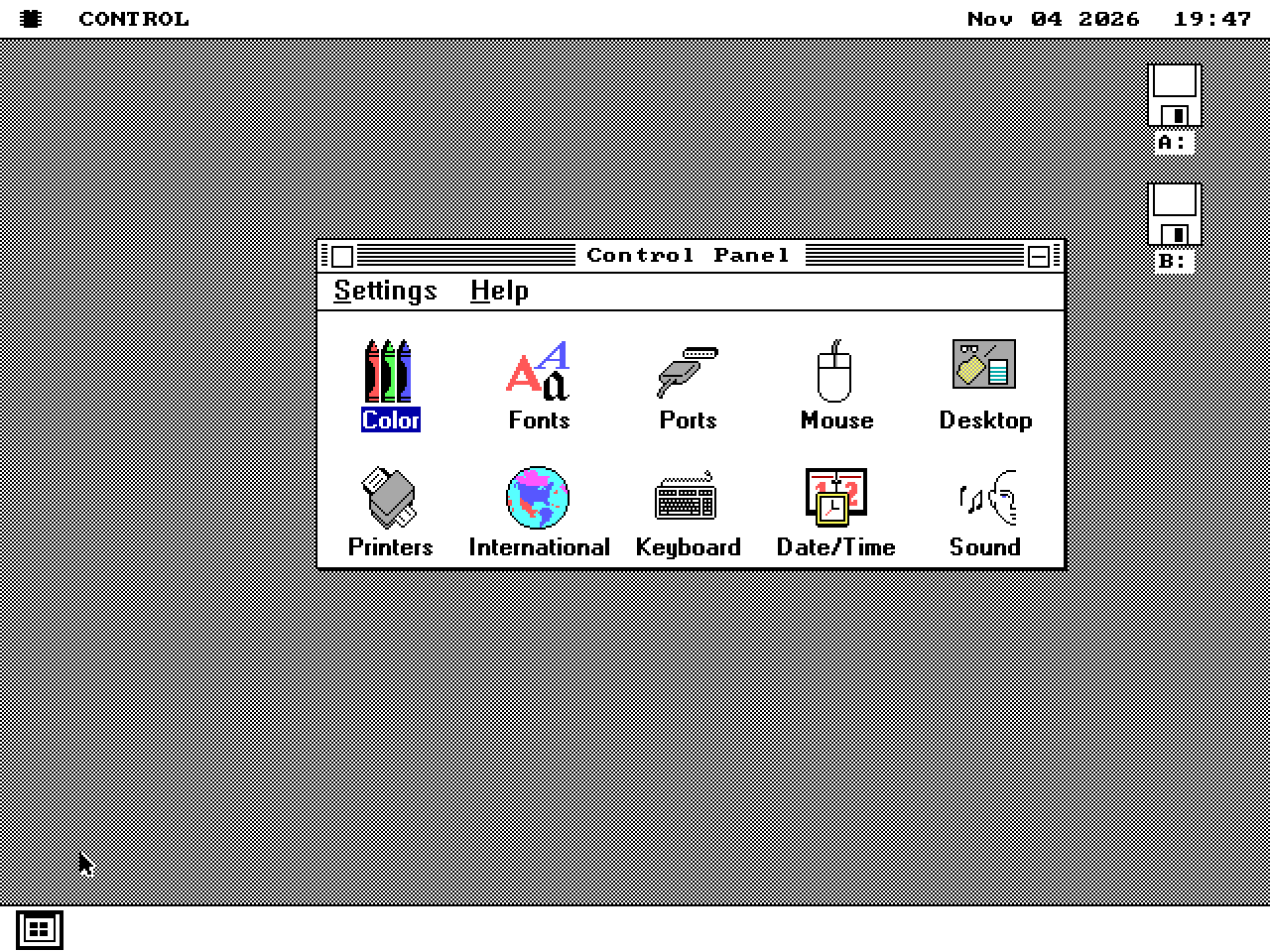
Windows 3.0
CONTROL.EXE
Applet/settings dialogs exercised. These compatibility-layer values do not configure native os8088 hardware or desktop state.
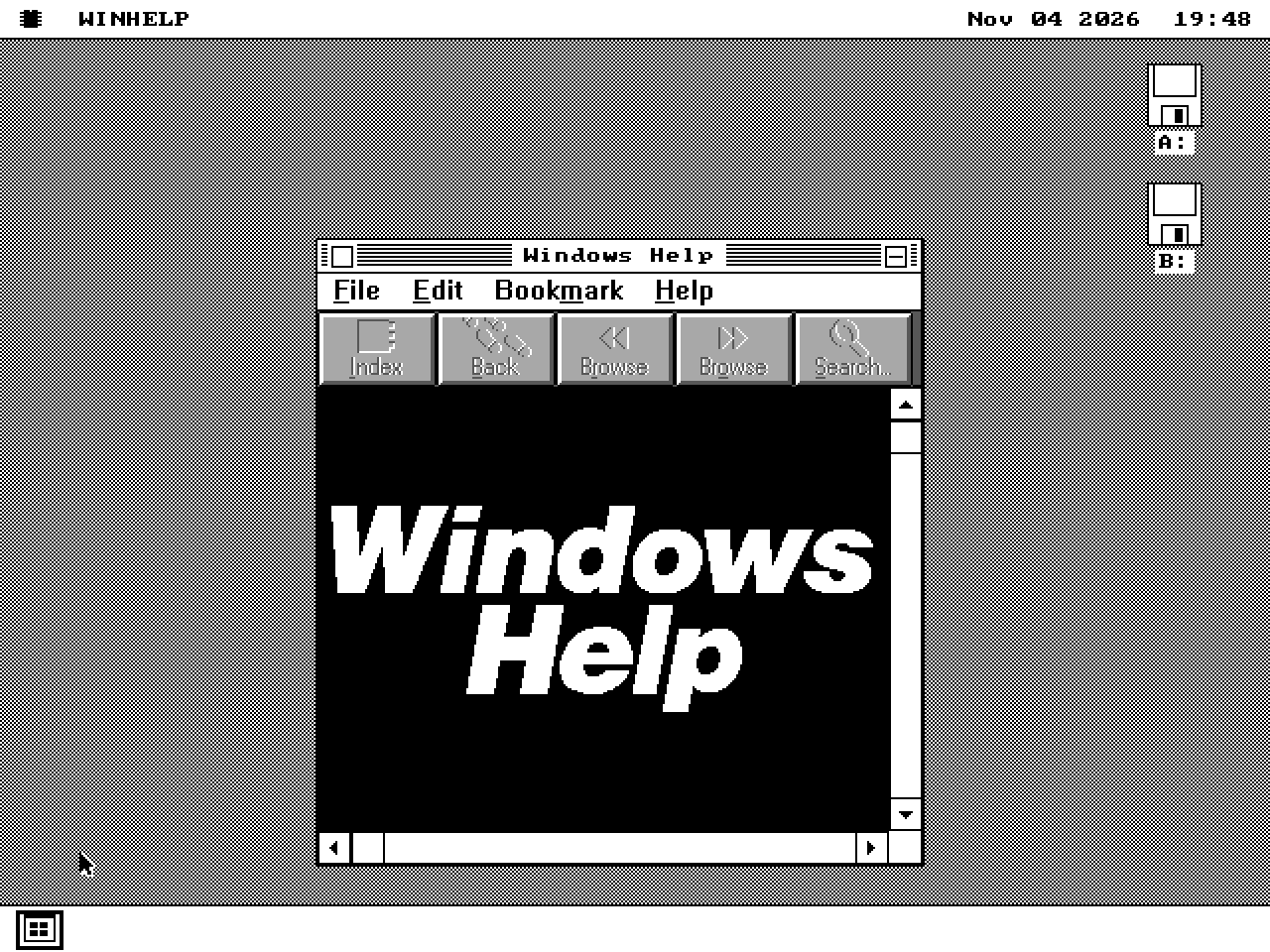
Windows 3.0
WINHELP.EXE + .HLP files
Help window, button bar and bookmarks exercised. Application help requires WINHELP.EXE and the matching HLP resources.
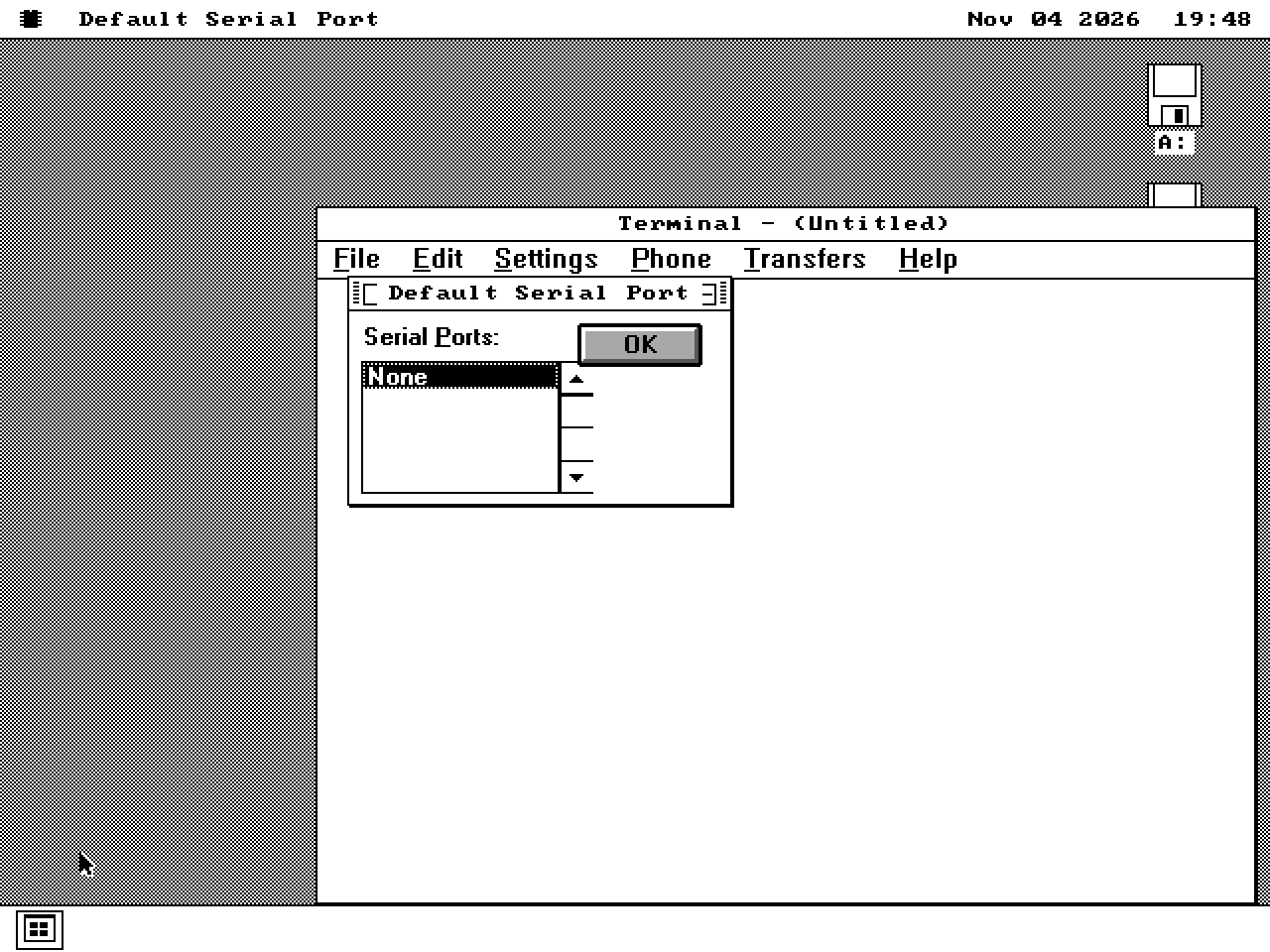
Windows 3.0
TERMINAL.EXE
Window and settings dialogs load. The serial selector reports no available ports; a serial session is unverified.
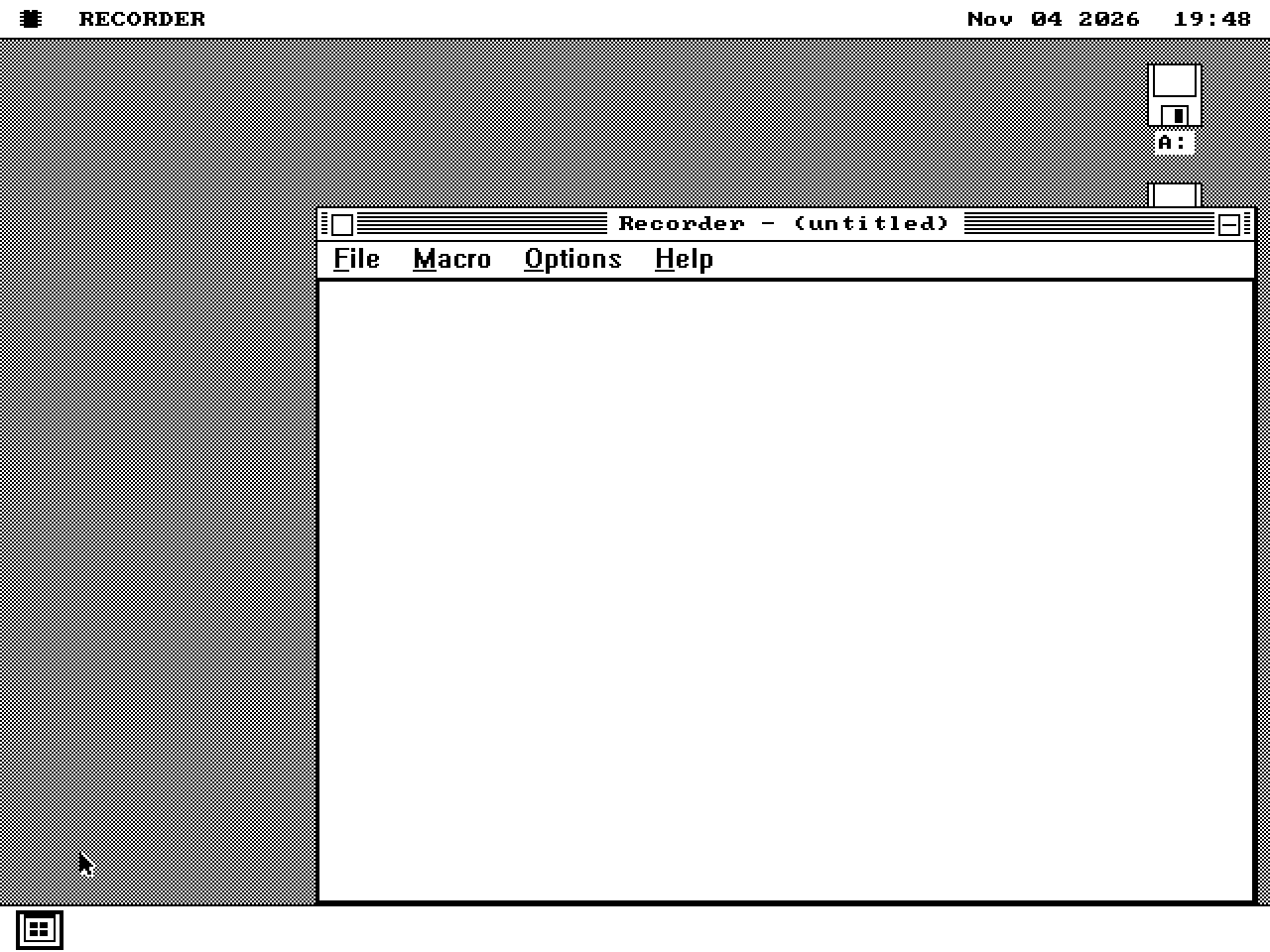
Windows 3.0
RECORDER.EXE + RECORDER.DLL
Executable/companion-DLL loading and menus exercised. Macro recording/replay are unverified.
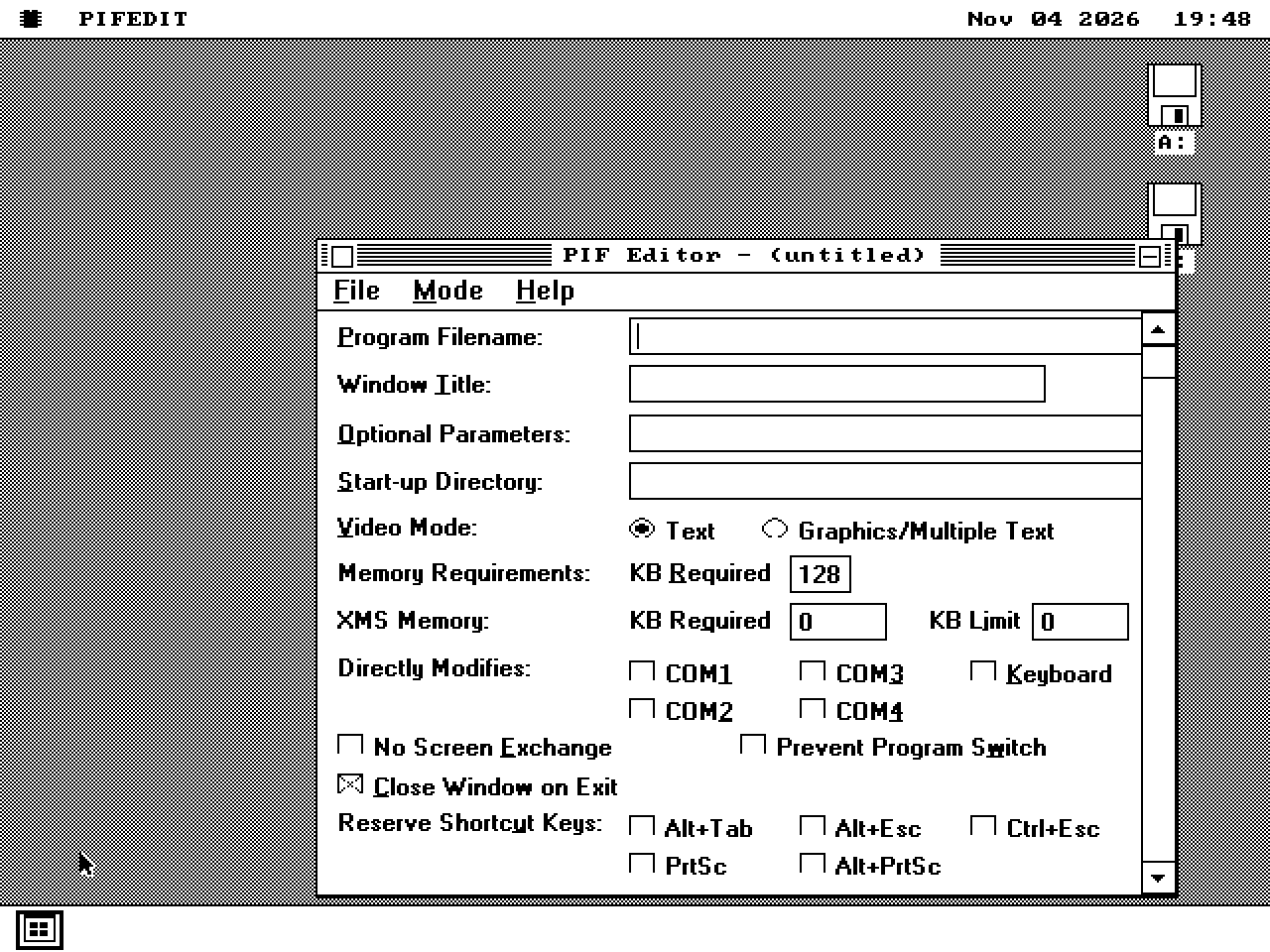
Windows 3.0
PIFEDIT.EXE
Standard/386 Enhanced settings, Advanced Options and Save As exercised. Output size matches the expected PIF layout; executing every saved setting is unverified.
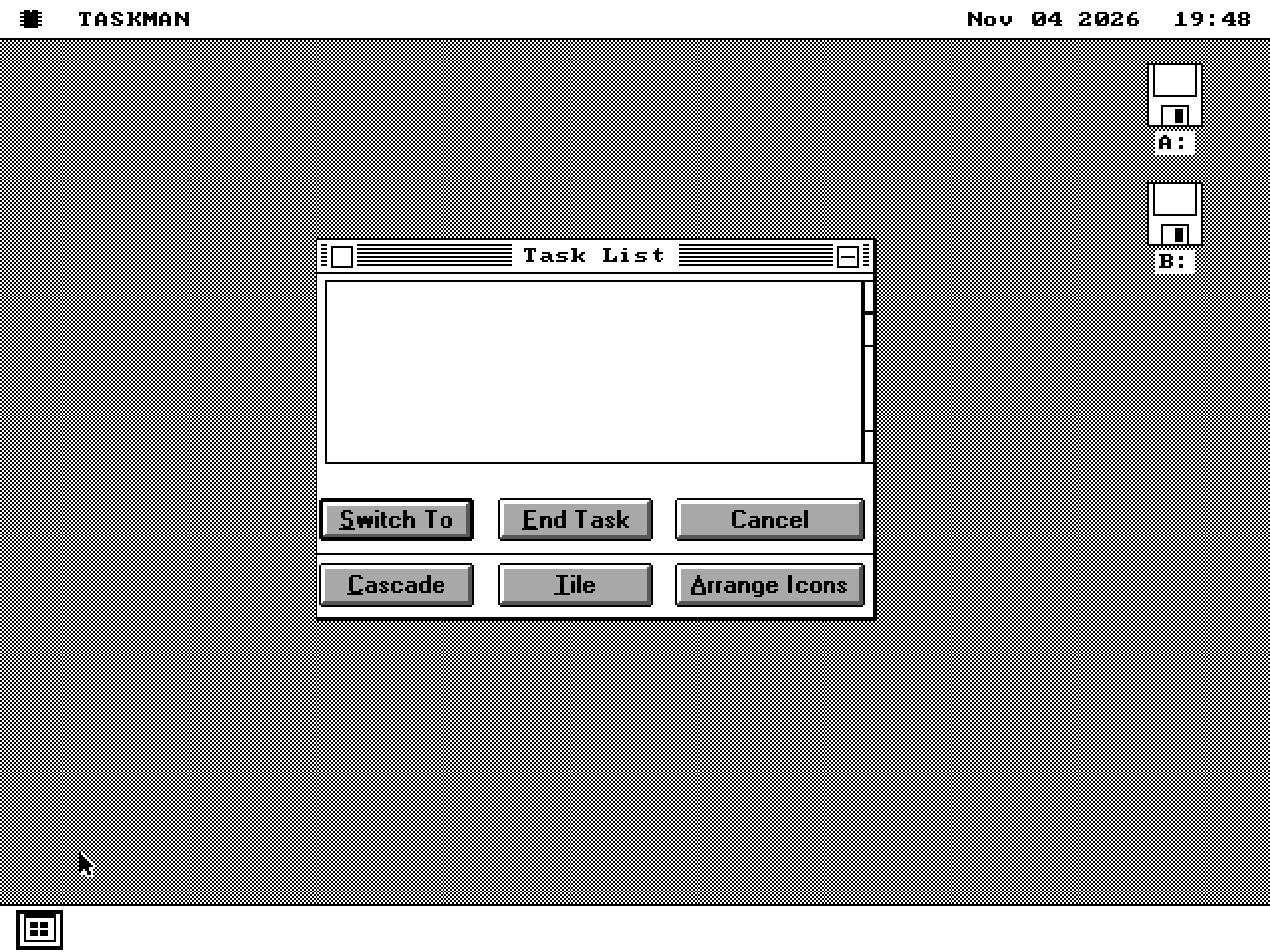
Windows 3.0
TASKMAN.EXE
Task List dialog opens and closes with Cancel. Native task control remains in os8088 Task Manager.
05 / Screen saver settings
Screen-saver setup dialogs only. The harness uses EXE aliases for the listed SCR files.
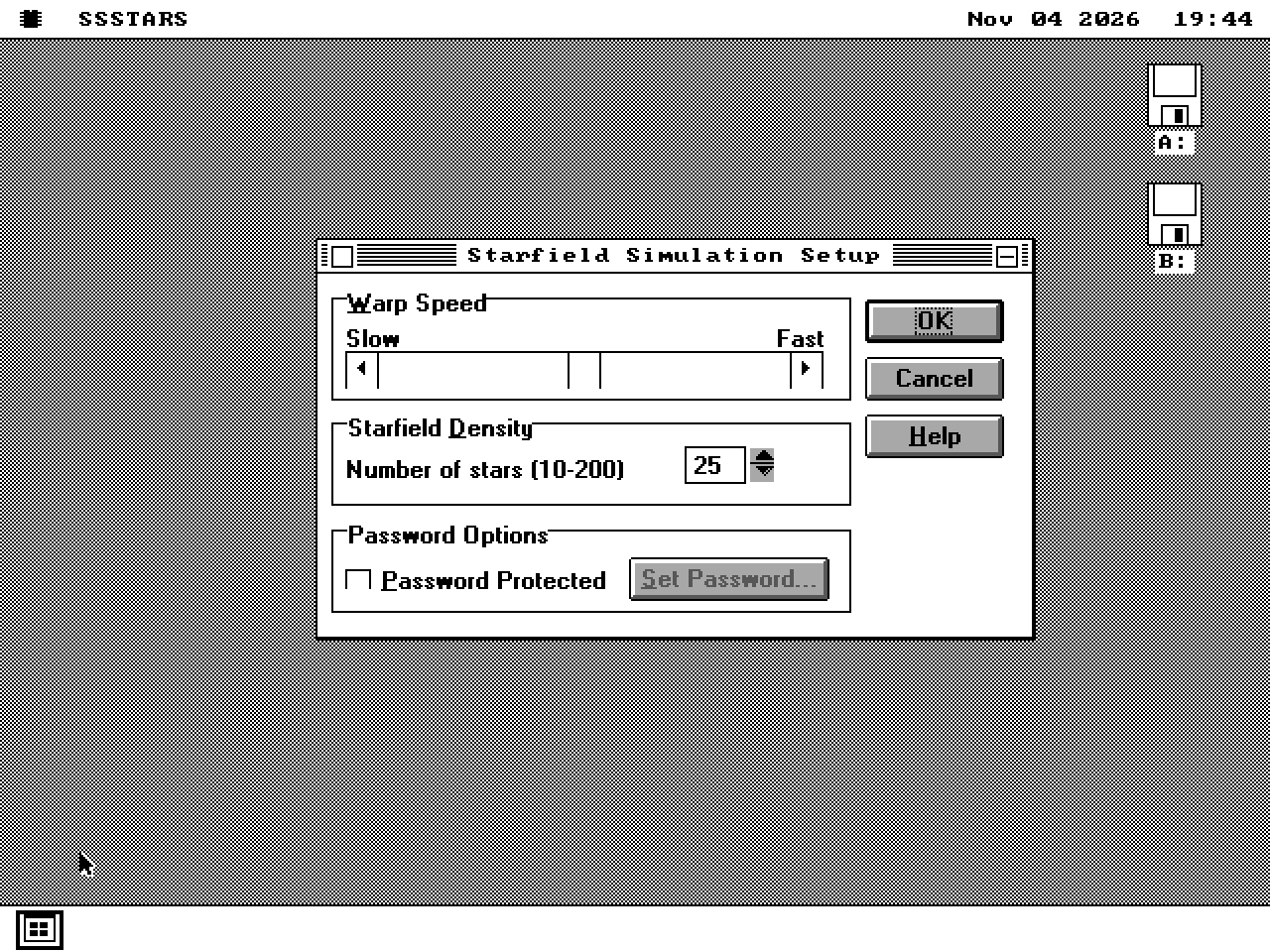
Windows 3.1 / Setup dialog
SSSTARS.SCR
Setup dialog only: speed, density and password controls. Full-screen saver execution is unverified.
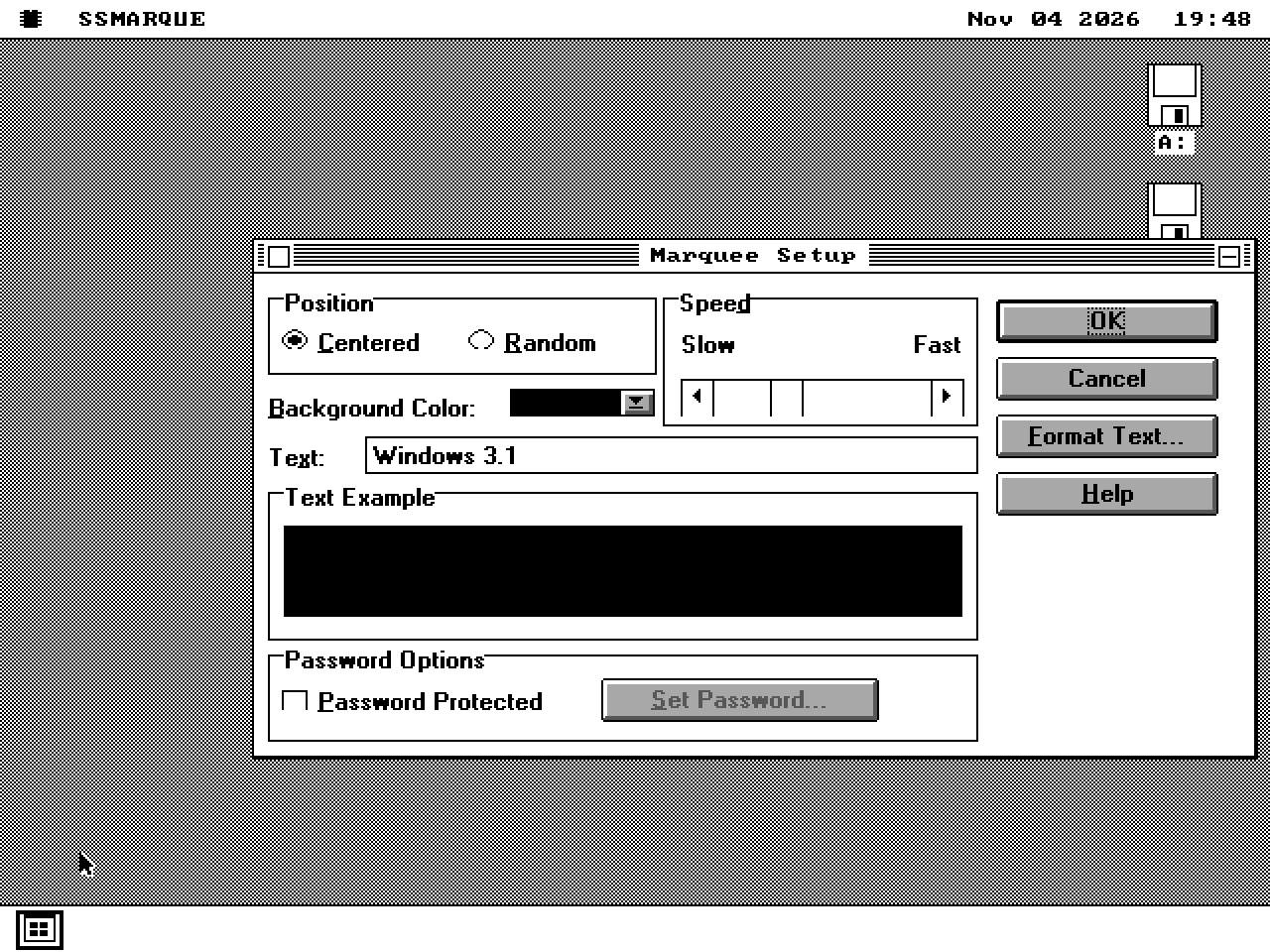
Windows 3.1 / Setup dialog
SSMARQUE.SCR
Setup and Format Text dialogs exercised. Full-screen saver execution is unverified.
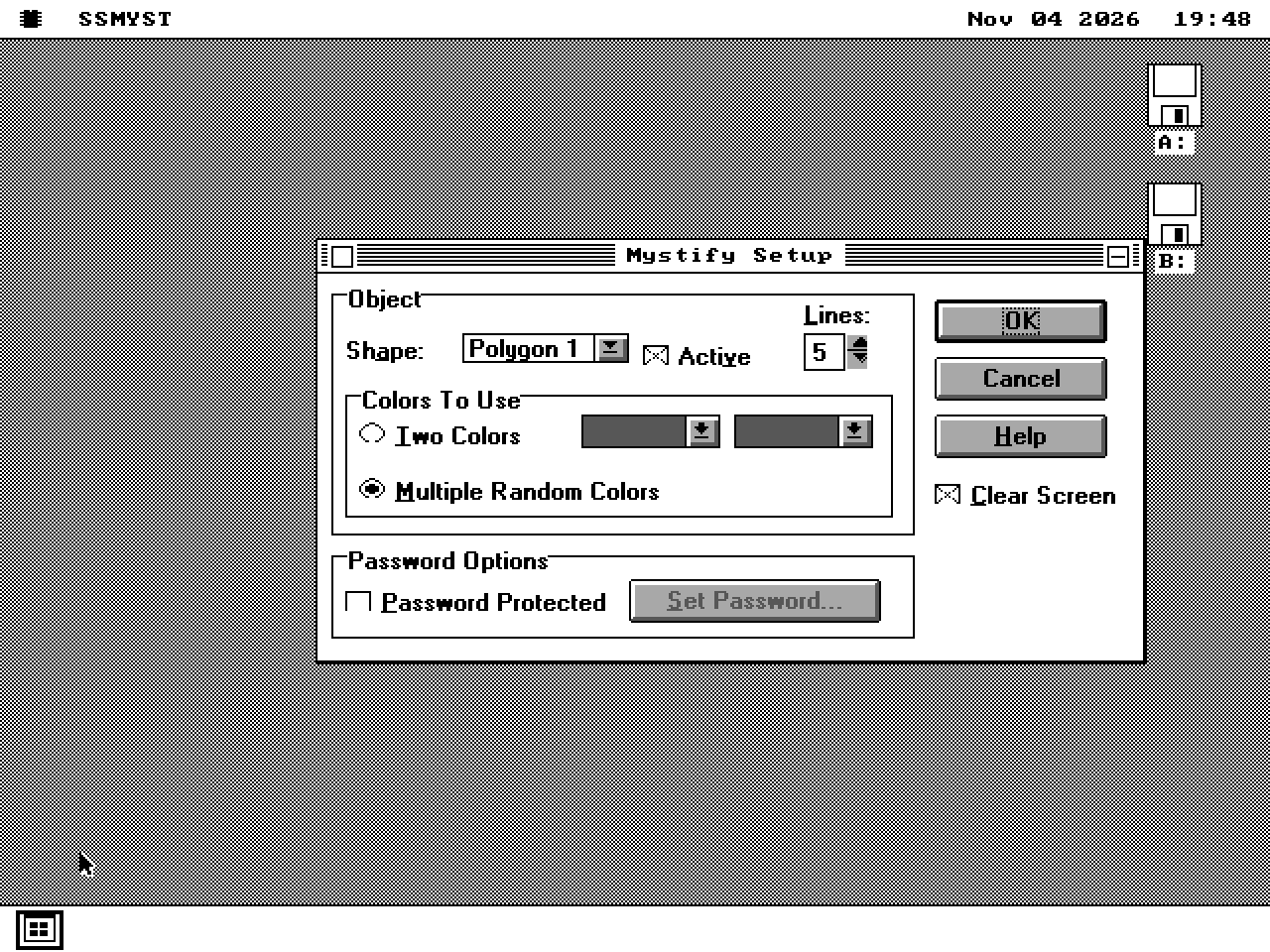
Windows 3.1 / Setup dialog
SSMYST.SCR
Setup dialog only. Full-screen animation is unverified.
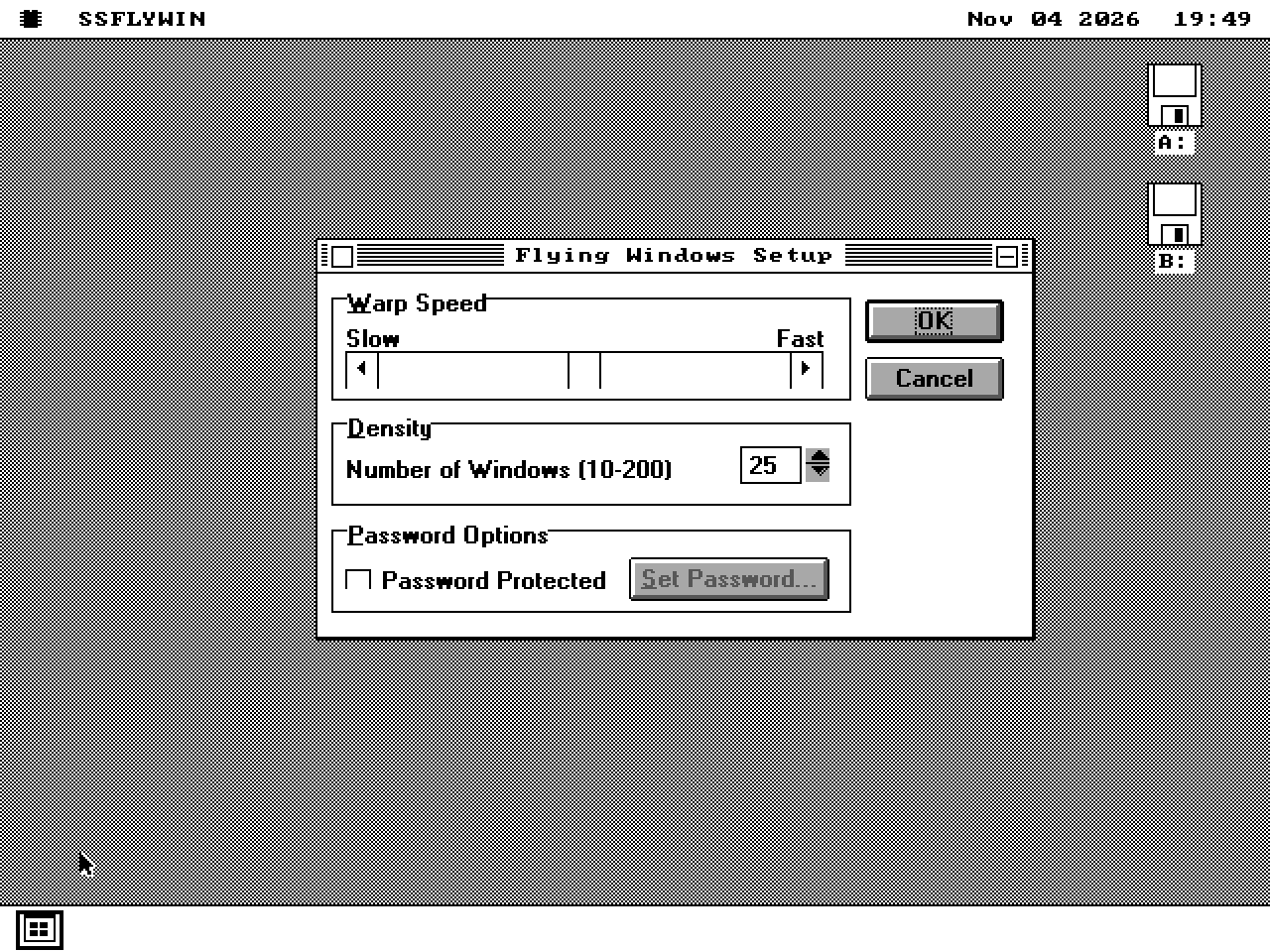
Windows 3.1 / Setup dialog
SSFLYWIN.SCR
Setup dialog only. Full-screen animation is unverified.
06 / On the 286+ kernel
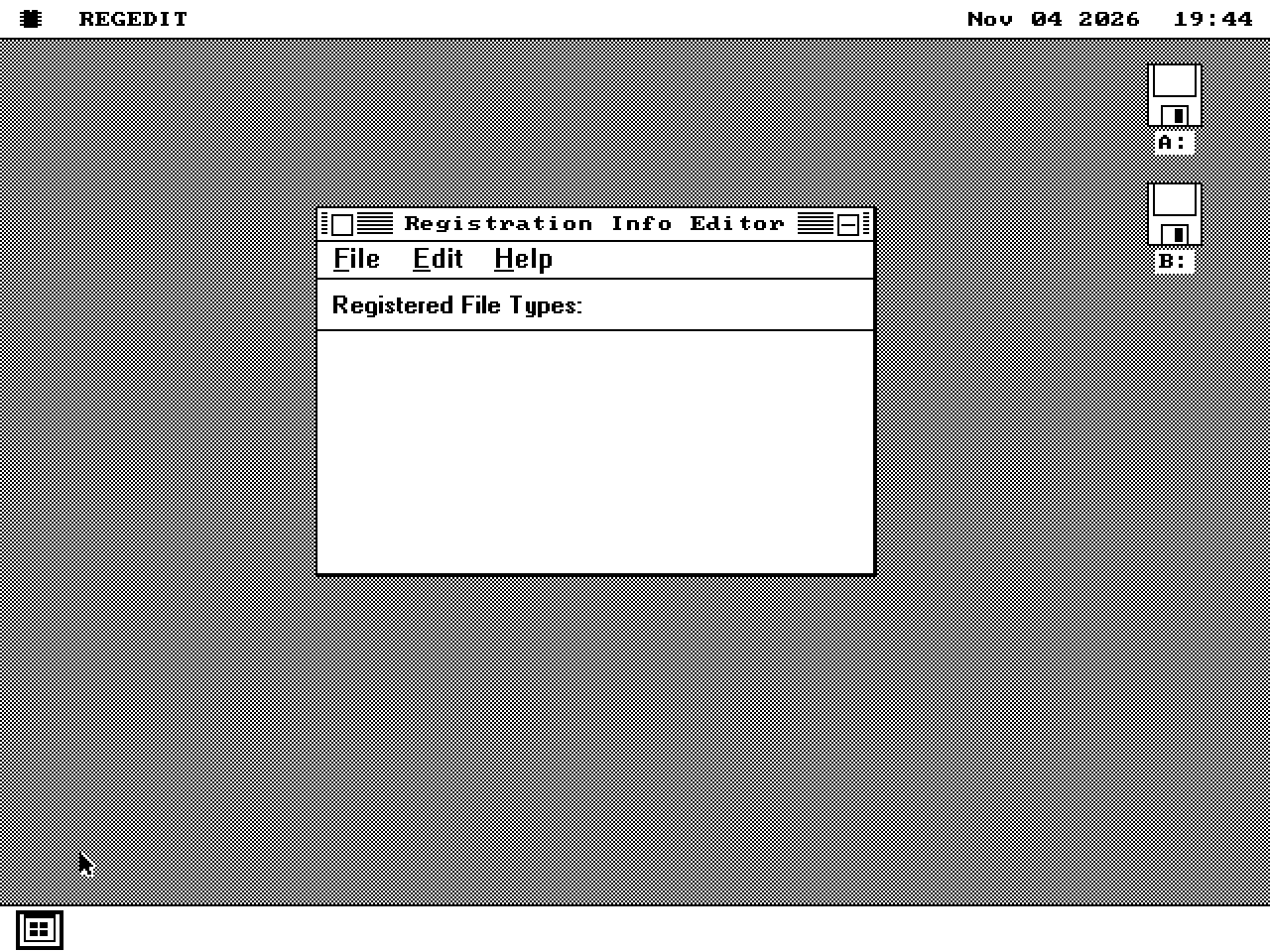
Windows 3.1
REGEDIT.EXE
Protected-mode window loads on kern_mega. Broader registry operations are not established by this capture.
07 / Microsoft Arcade, on the 286+ kernel
The Arcade tests require kern_mega and the matching AMDSPIN.DLL, ARCADEVF.DLL, ARCCTL.DLL, WAVEMIX.DLL and ARCFONTS.FON files. Centipede also requires CPFONTS.FON; Missile Command requires MCFONTS.FON. These captures establish entry into gameplay, not complete game/audio compatibility.
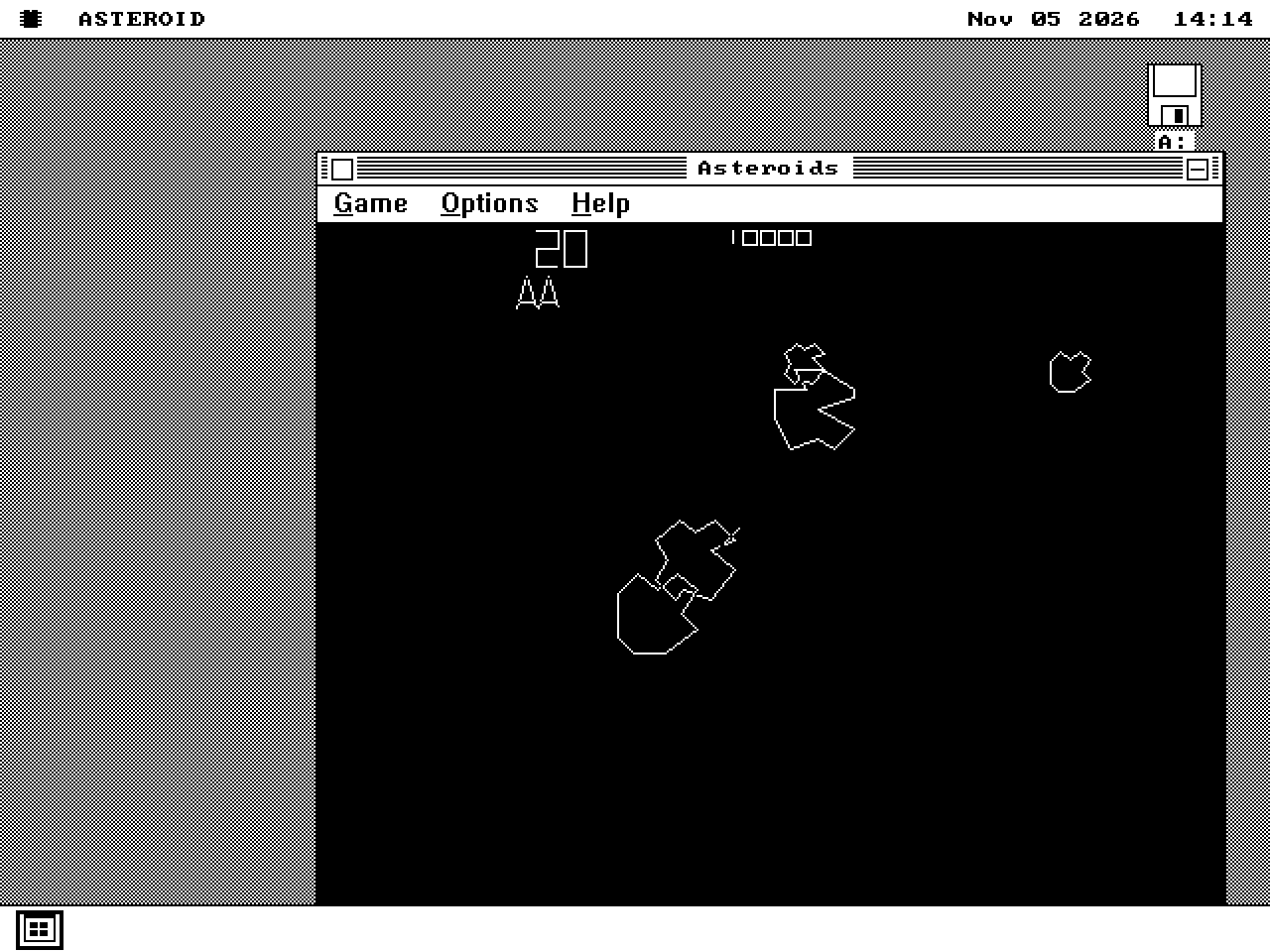
Windows 3.1 / Microsoft Arcade
ASTEROID.EXE
F2 enters one-player gameplay on kern_mega. Audio is unverified.
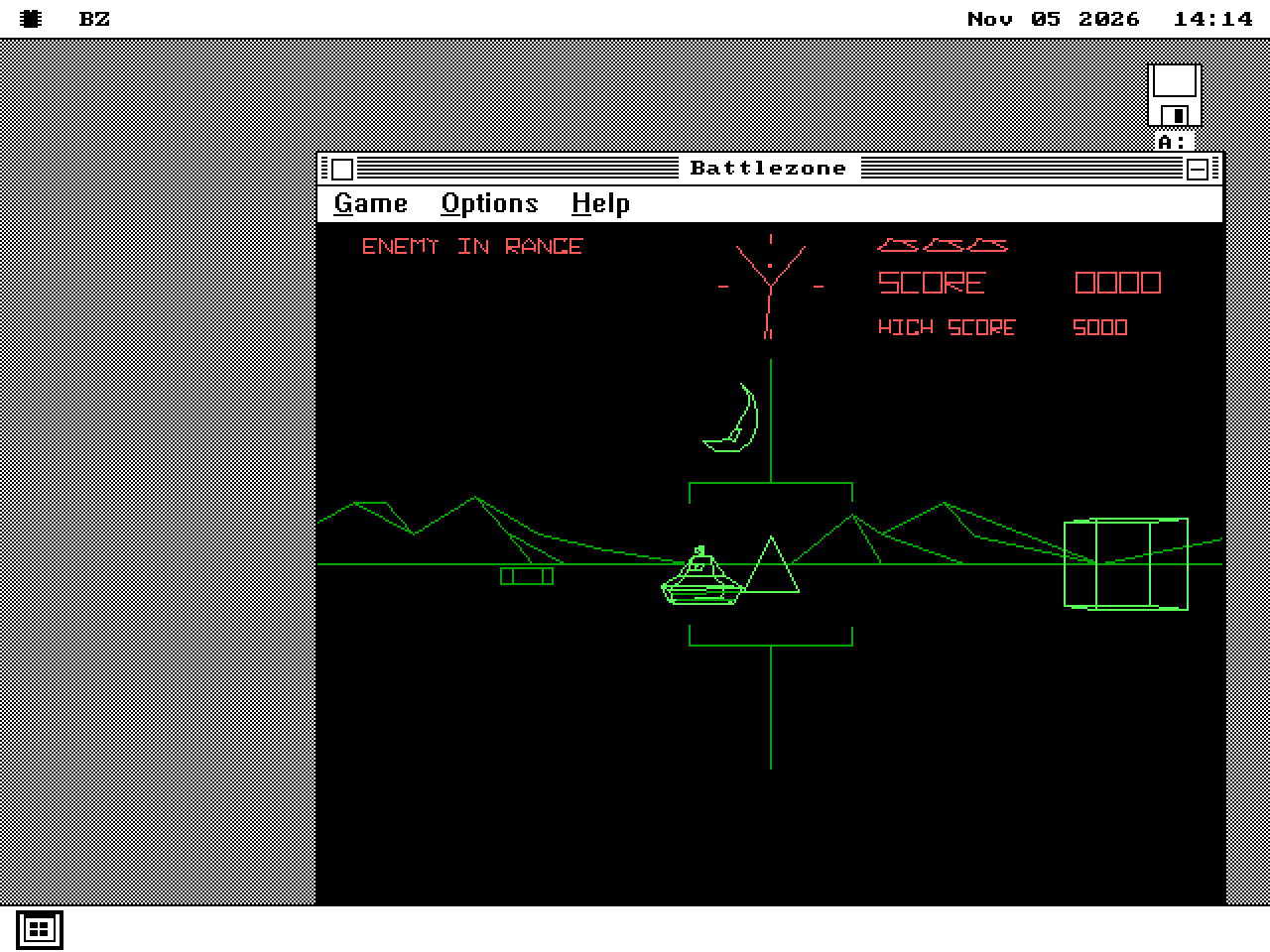
Windows 3.1 / Microsoft Arcade
BZ.EXE
F2 enters the wireframe scene with radar and enemy tank on kern_mega. Audio is unverified.
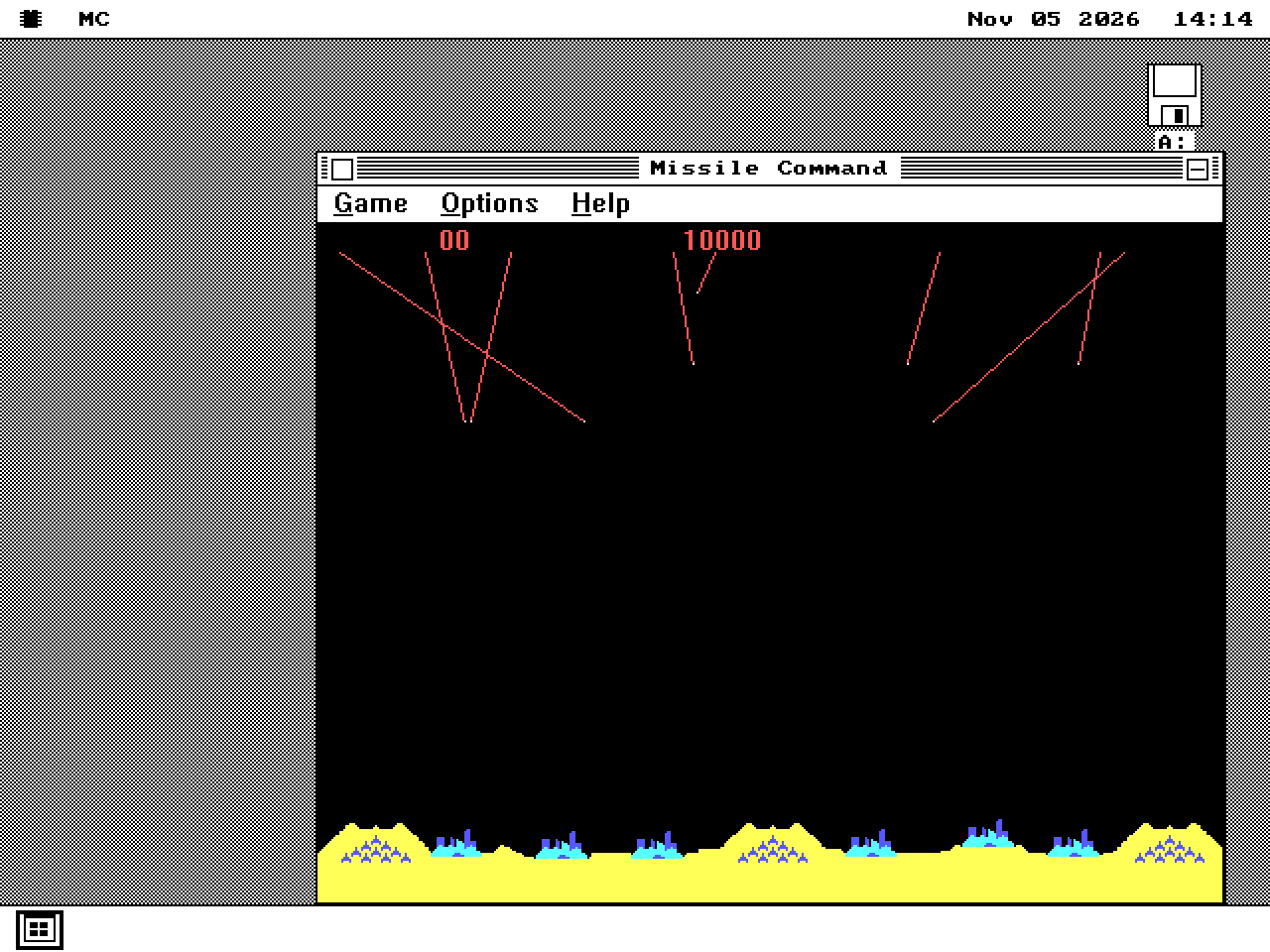
Windows 3.1 / Microsoft Arcade
MC.EXE
F2 enters gameplay with incoming missiles and cities on kern_mega. Audio is unverified.
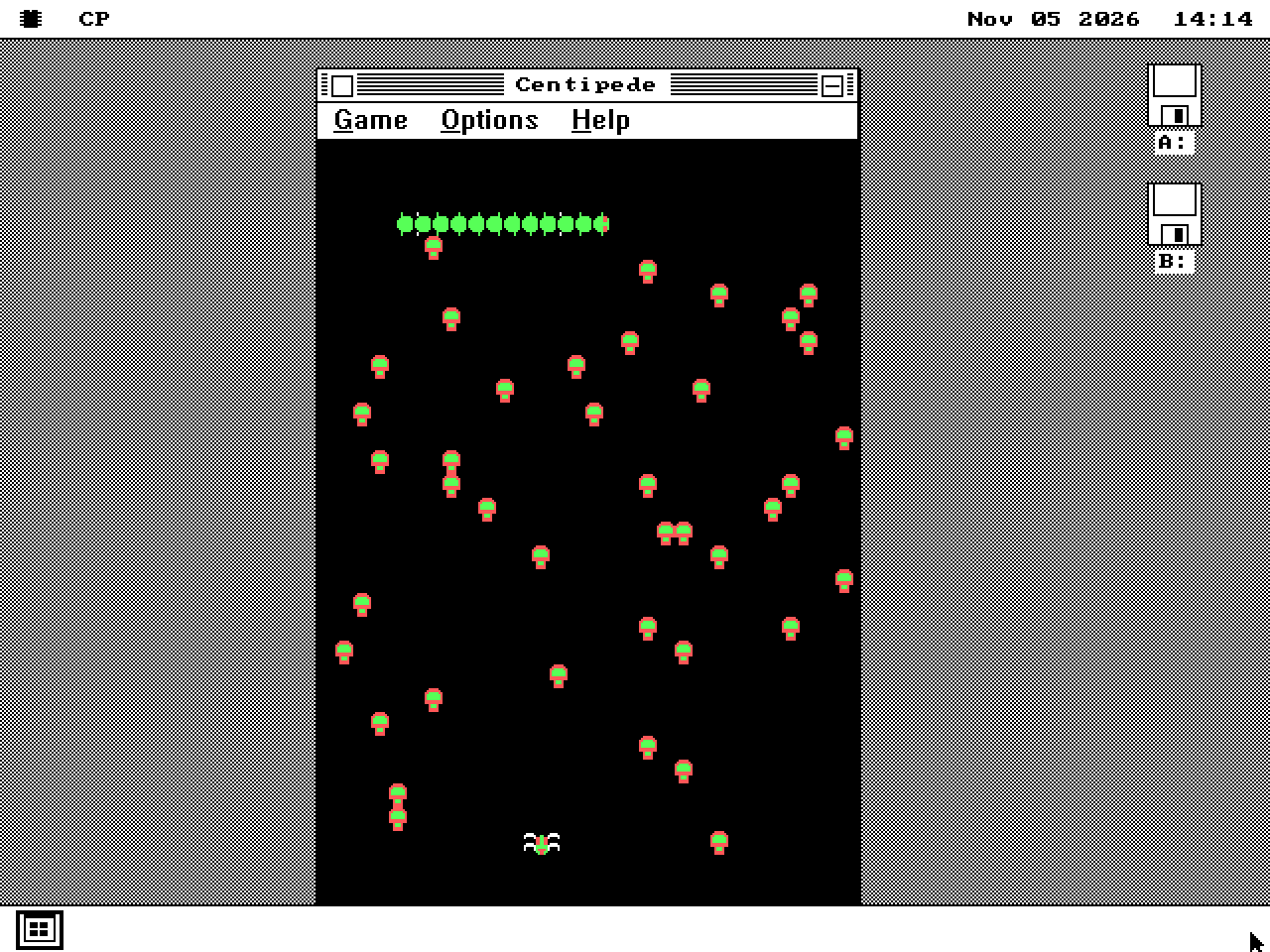
Windows 3.1 / Microsoft Arcade
CP.EXE
F2 enters gameplay on kern_mega; the field exercises a bitmap larger than one 64KB segment. Audio is unverified.
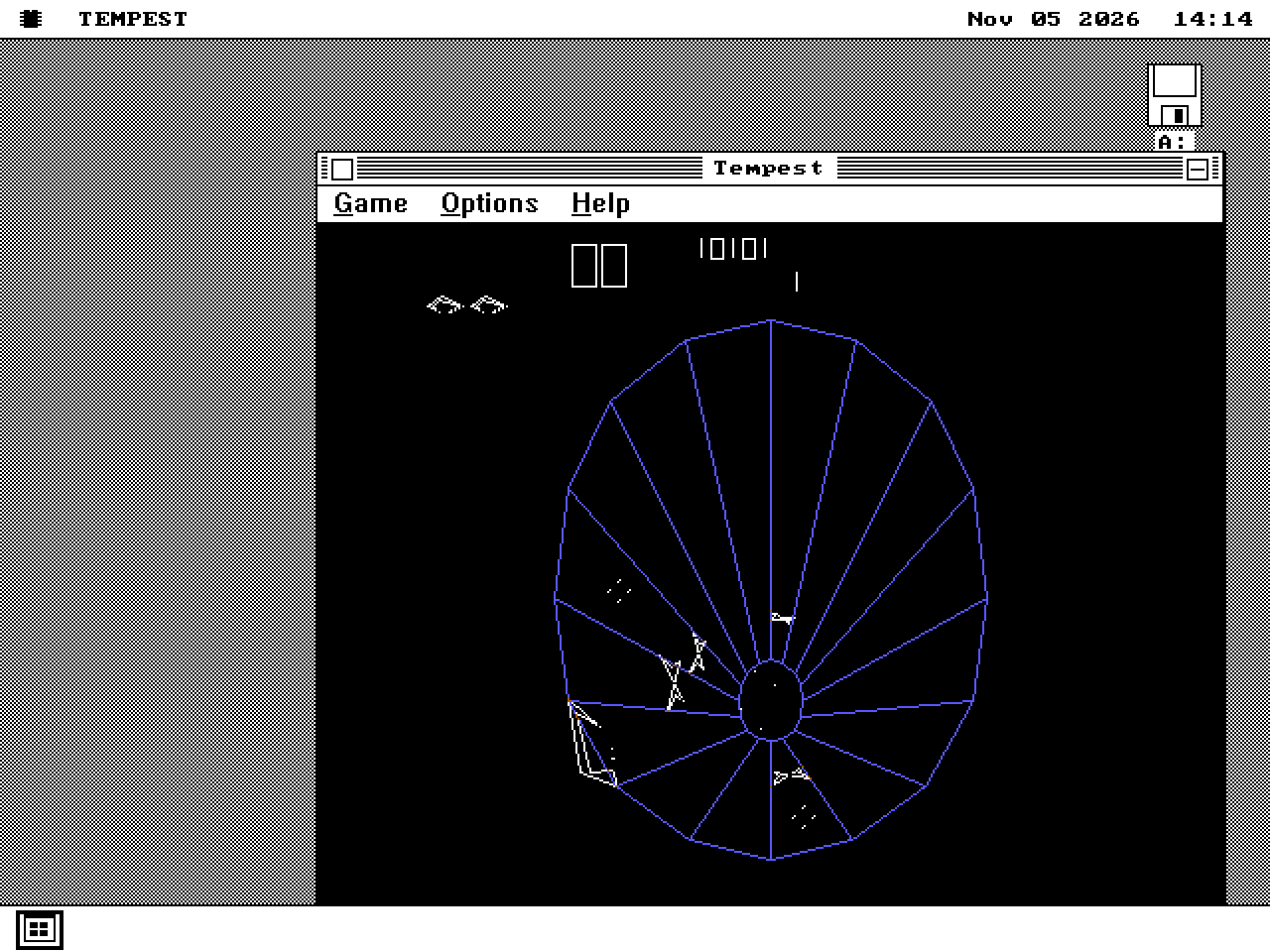
Windows 3.1 / Microsoft Arcade
TEMPEST.EXE
F2/Enter reaches the selected tube and active enemies on kern_mega. Audio is unverified.
08 / Multimedia previews
Loader/UI previews on the 286+ kernel; there is no validated Windows audio-driver path in these captures.
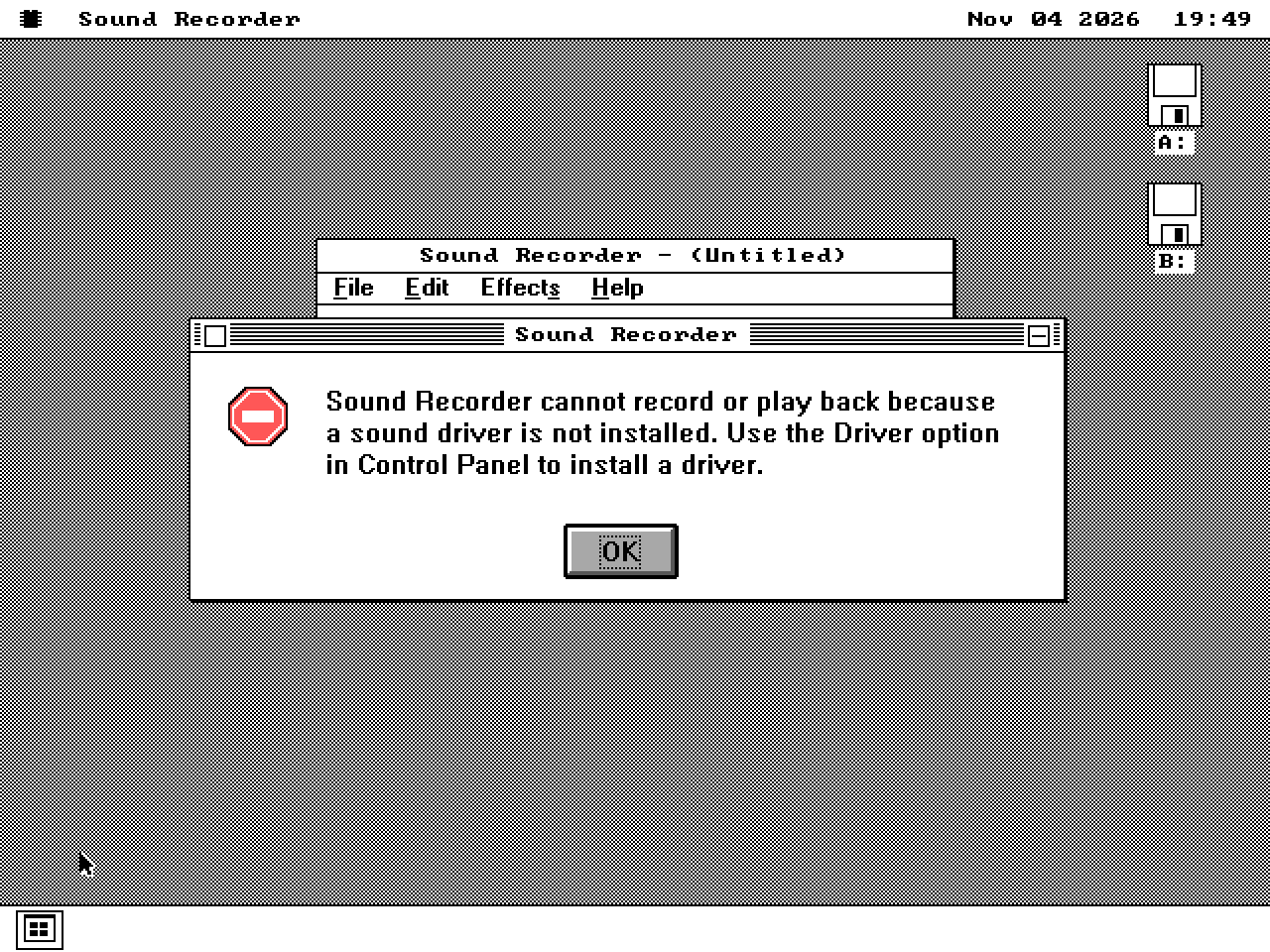
Windows 3.1 / Preview
SOUNDREC.EXE
Loads on kern_mega and reports no Windows sound driver. Neither capture nor playback is verified.
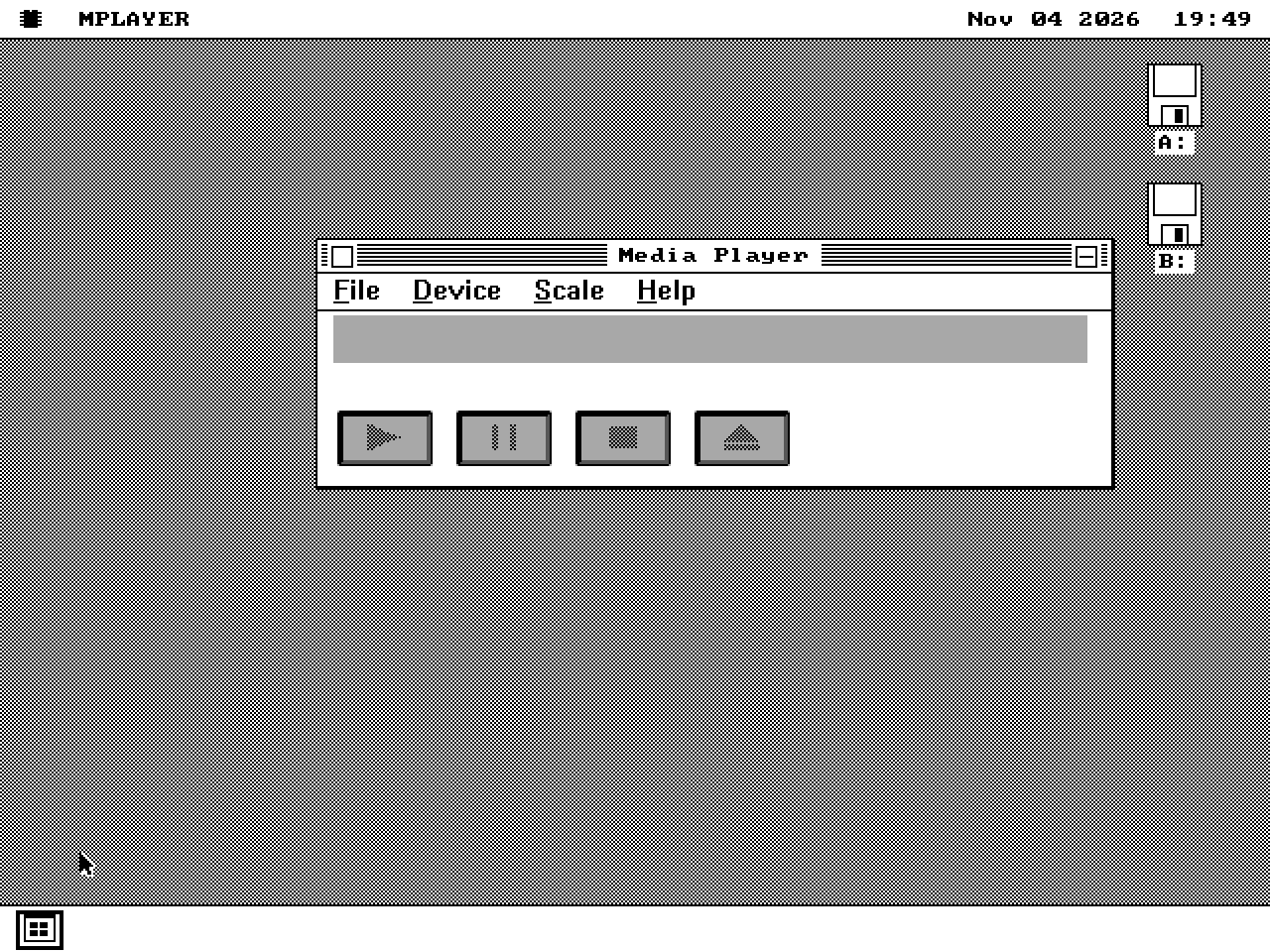
Windows 3.1 / Preview
MPLAYER.EXE
Protected-mode window/device controls load on kern_mega. Media and CD-audio playback are unverified.
Microsoft executables, DLLs, fonts and help files are user-supplied. The distribution contains WIN16, not Windows.
Use the listed executable versions and CPU/kernel paths. Some later binaries require V20/80186 instructions; protected-mode previews require kern_mega.
Printing and OLE are unimplemented. Missing imports/calls are reported; compatibility must be assessed per executable and exercised operation.
These are original Windows executables. Native Note Pad, WORD, CWORD and Scribe are separate implementations.
QEMU captures from 4-5 November 2026. The WIN16 development record identifies the tested binaries and kernels. Microsoft and Windows are Microsoft trademarks.