Applications
os8088 ships two floppies. The first one boots; the second one is the software disk, and everything on this page comes off it. It is a FAT12 volume any modern machine can also mount and write, and the programs on it are sorted into folders. The eleven below are the ones with screenshots; the download page lists the full contents of the disk.
None of them are built into the kernel. Each one loads from the floppy when you double-click it and then behaves like any other window: it gets a title bar, a dock tile, a row in the Task Manager and its own menus. Several can be open at once, including several copies of the same program, and closing one gives its memory back. How that works is on the packages page.
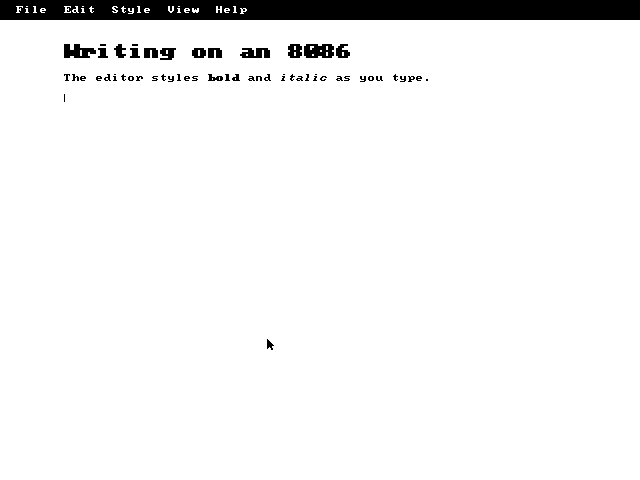
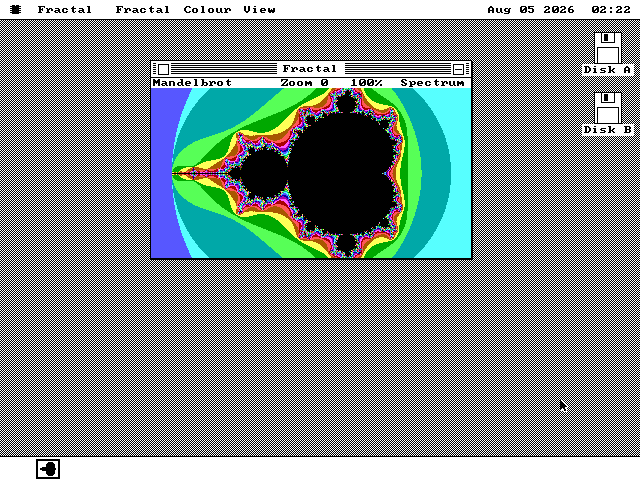
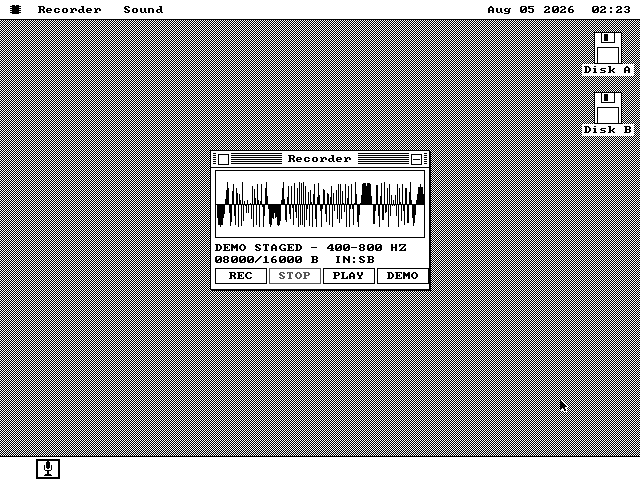
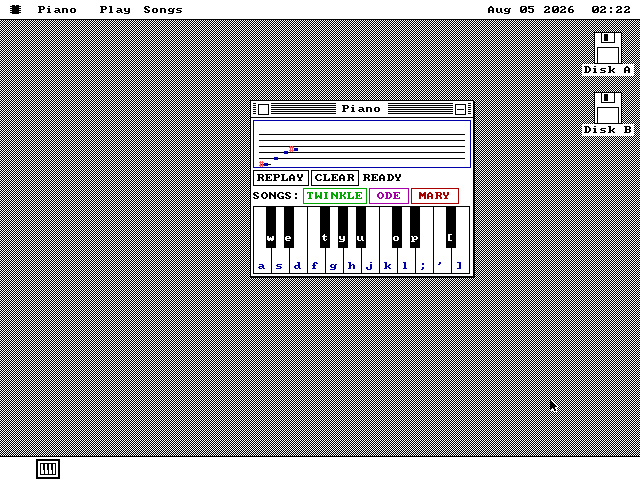
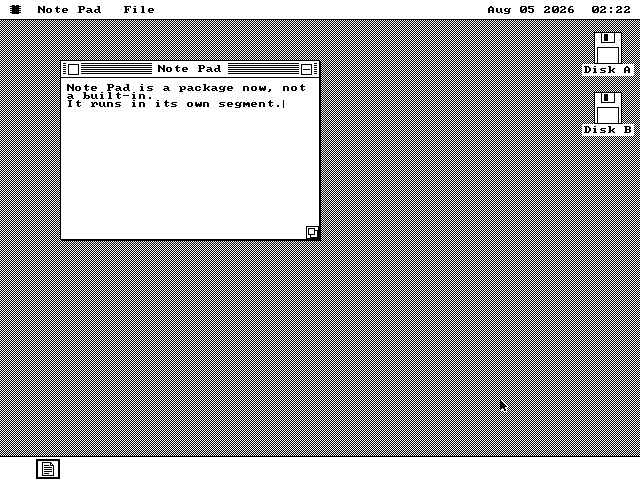
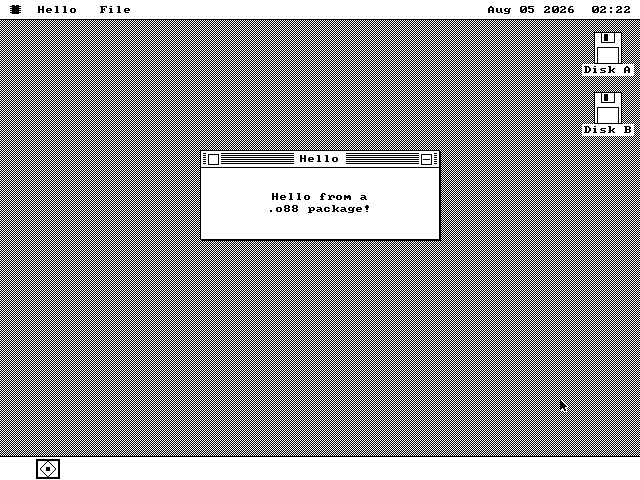
Every image below is a screendump of the system running in an emulator, captured by a script that double-clicks the program out of the Disk window, closes the Disk window behind it and then drives the program itself -- typing, clicking keys, drawing, dealing and serving. The interface is black and white; where you see color, the program is using it.
The APPS folder
The applications, from the largest program in the tree down to the smallest.
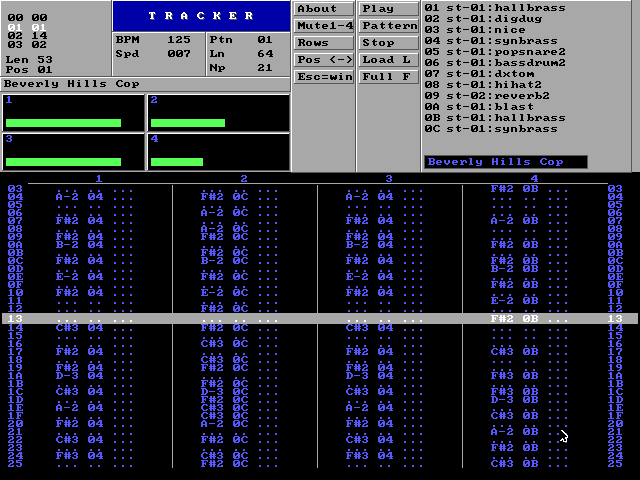
.MOD off the floppy, play it, and go on using the desktop while it plays. The
module shown here is 116KB, comfortably larger than the machine's 64KB segment
limit.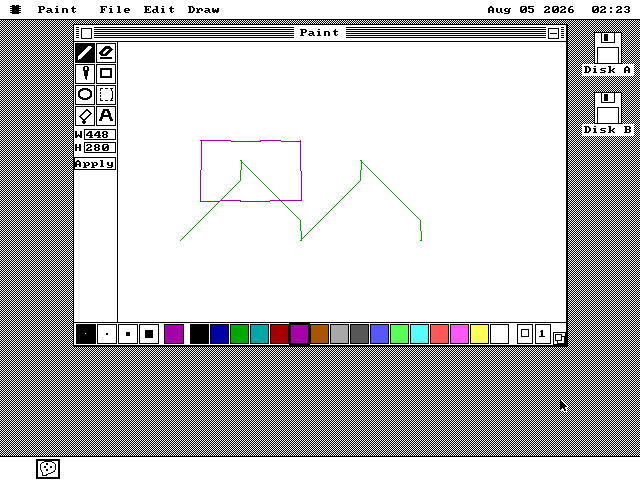
The GAMES folder
Three games, all played with the mouse and the keyboard.
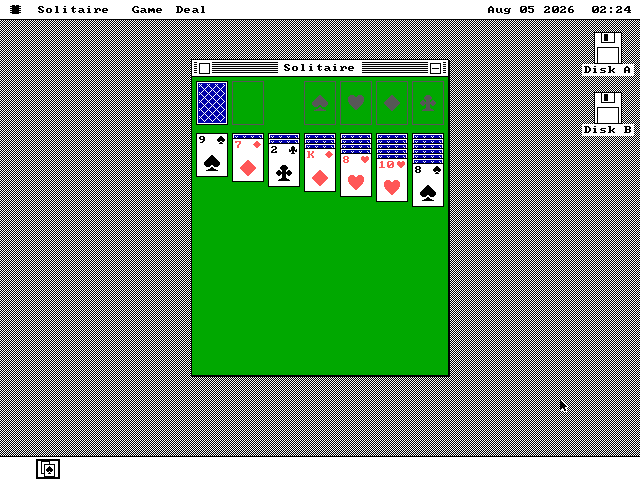
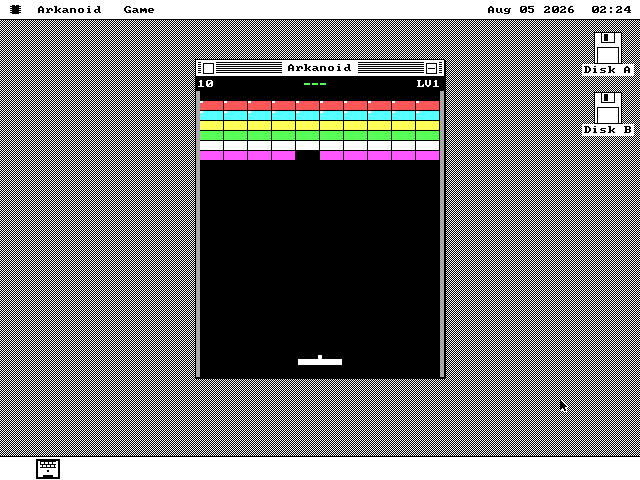
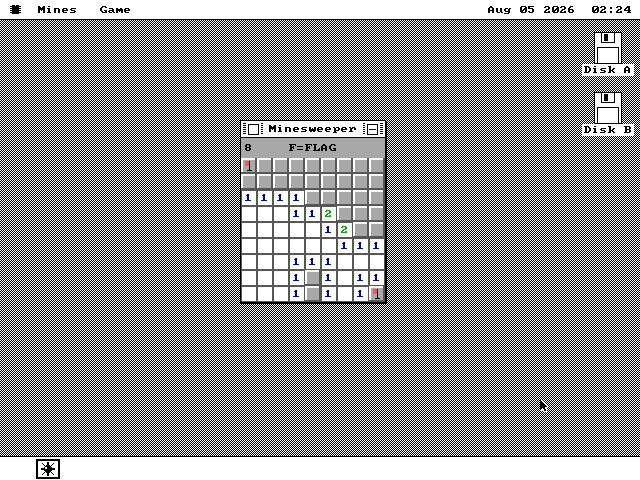
F for flag mode, N for a new game. Empty
regions open in one click, the numbers use the traditional colors, and the first click is
always safe -- the mines are laid after you have chosen where to start. It was the first
program the loader ever ran.Running them yourself
Download both images: boot the machine from os8088.img
and give it apps.img as its second floppy. Double-click the Disk B icon on
the desktop, open APPS or GAMES, and double-click a program. It will
be on screen in about a second on an emulator, and rather more slowly on a real XT.
The software disk is an ordinary FAT12 volume, so you can also mount it on any modern machine and copy programs on and off it. Since os8088 writes FAT12 as well as reads it, files you save from Paint or Note Pad come back off the same disk on your own computer. Writing a program of your own is covered on the packages page.